

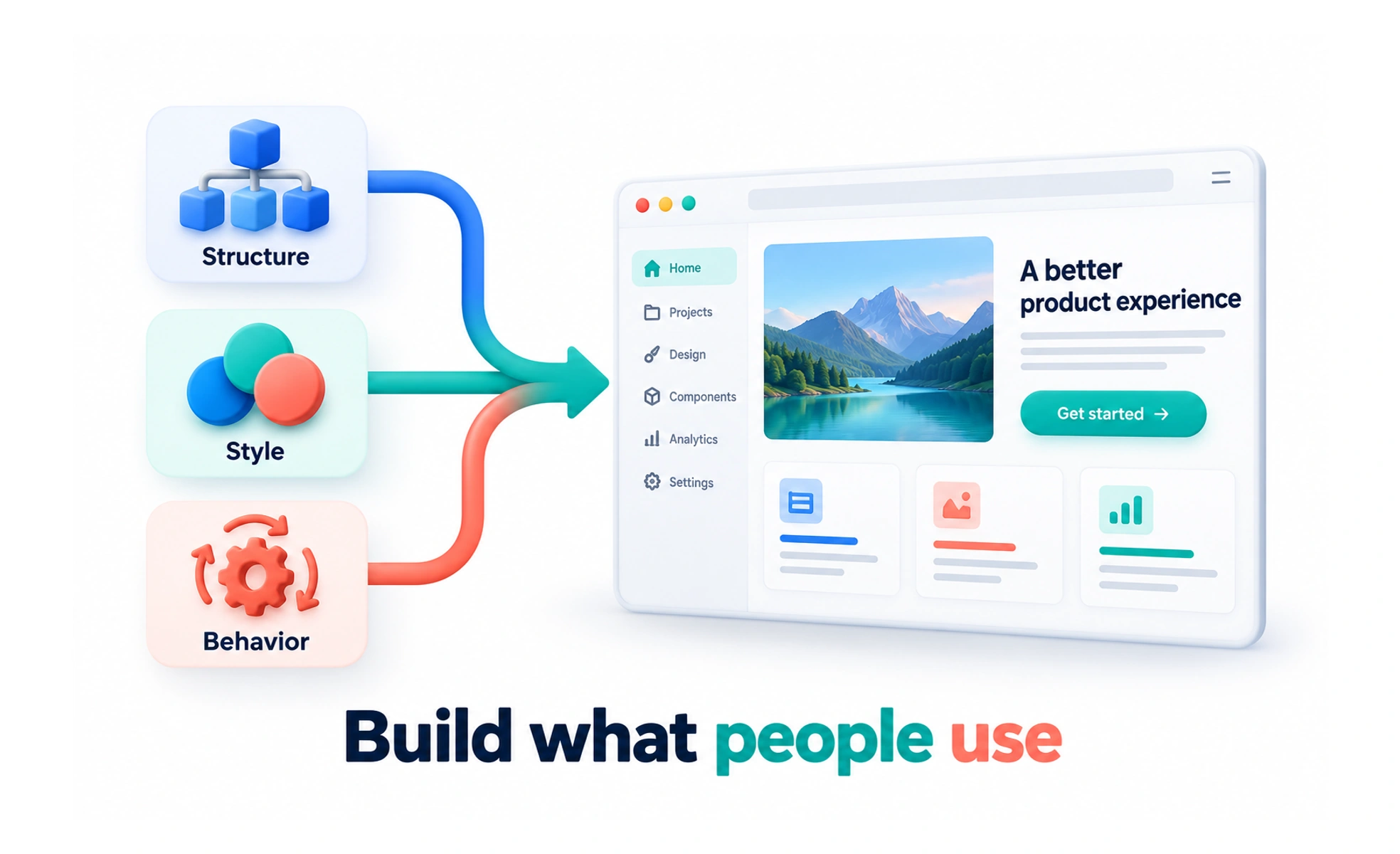
It connects content, visual design and behavior to a working interface. The job includes much more than matching a screenshot: forms must submit correctly, focus must move sensibly and displayed data must reflect the actual product state.
Connect structure, presentation and behavior
HTML describes content and controls. CSS determines presentation and layout. JavaScript can handle interaction and update the page. Libraries and frameworks help organize that work, but the browser still needs a usable result.
Choosing suitable elements matters. A real link or button brings expected behavior that a generic container does not provide automatically. Styling should support that meaning rather than replace it.
Build around real states
A frontend often requests information from a backend. Plan the interface before data arrives, when no results exist and when the request fails.
- Keep content and controls understandable during loading.
- Preserve entered work after recoverable errors.
- Avoid displaying a successful save when none occurred.
- Keep personal data isolated when accounts change.
The happy path is only one part of the implementation. A realistic interface handles the conditions people will actually encounter.
Check the rendered product
Review narrow screens, zoom, long content and different input methods. Measure performance when needed rather than assuming fewer lines of code means a faster experience.
Shared components and design tokens can reduce inconsistency. Use them where their behavior fits, and verify changes in the browser because generated styles and actual content can reveal problems a code review misses.
Frequently asked questions
Key takeaways
- Frontend work connects content, appearance and behavior.
- Use appropriate HTML semantics and accessible interactions.
- Handle loading, empty, failed and account-change states.
- Review the implemented interface across realistic conditions.