

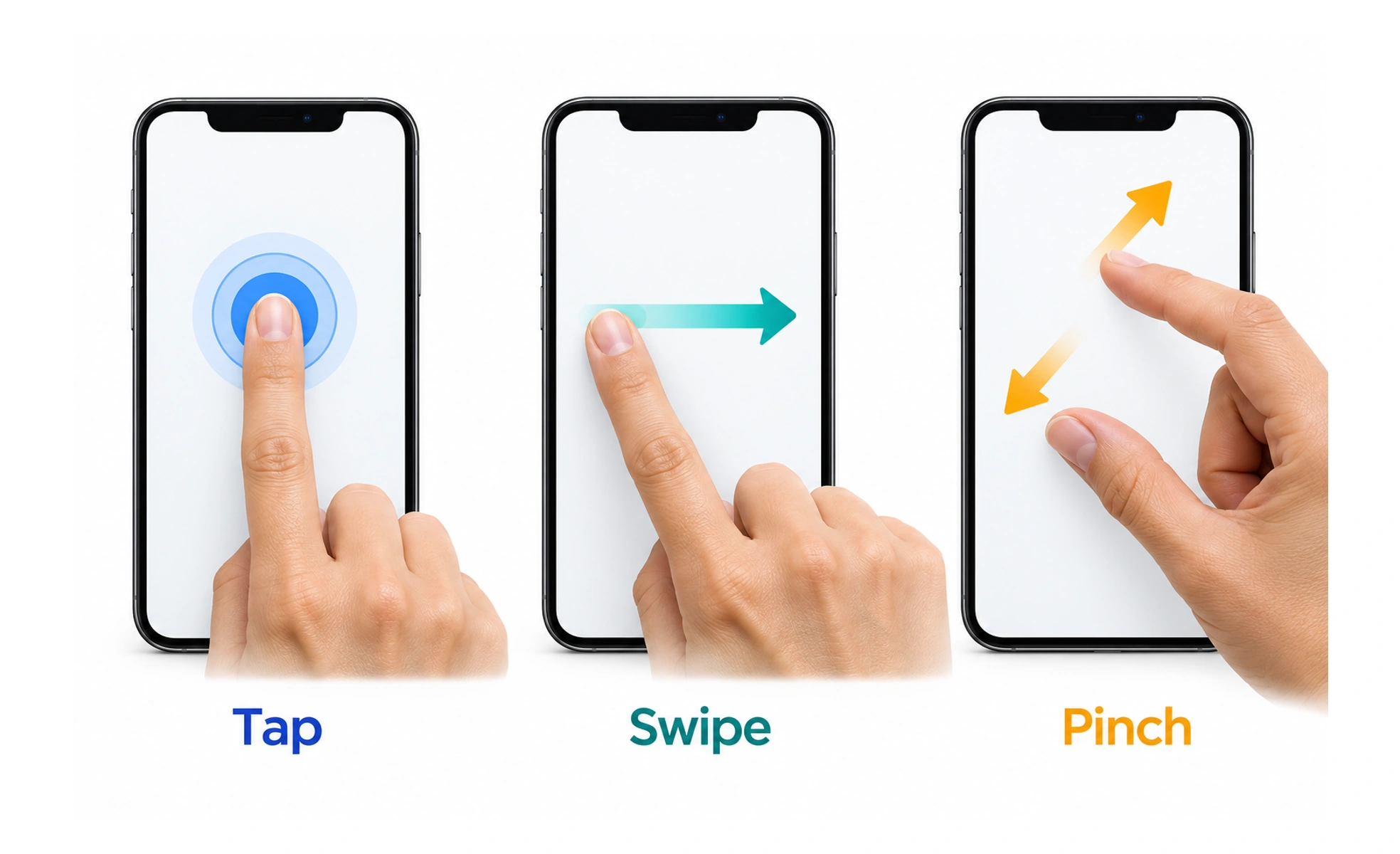
Gestures can make direct manipulation feel natural on touchscreens and other input surfaces. They can also be hard to discover, difficult to perform precisely, or unavailable to some users. A robust interface explains important actions and provides another way to complete them when needed.
Swiping a card across a table resembles moving it with your hand; the gesture is most helpful when the result is visible and reversible.
Match the movement to the task
A tap is suited to selecting a visible control, while a pinch can change the scale of an object. Choose gestures that fit the content and device. Avoid assigning an unexpected meaning to a familiar movement, especially when an accidental gesture could cause a costly action.
Make gestures discoverable
A hidden swipe may save space but can leave people unaware of available actions. Use a visible hint, onboarding cue, or standard control to reveal the possibility. Do not require users to remember a gesture before they have seen or practiced it.
Provide alternate input
People may use a keyboard, switch device, voice control, or assistive technology instead of a touchscreen. Ensure important actions are available through accessible controls and that dragging has a simpler alternative when possible. Gestures should add convenience, not become the only route.
Handle errors and feedback
Show the effect of a gesture and distinguish the target from nearby content. Allow recovery for actions such as dismissing or moving an item. Consider slow movement, limited dexterity, screen orientation, and conflicts with operating-system gestures during testing.
Frequently asked questions
Key takeaways
- Choose gestures that map clearly to the user’s task.
- Do not hide essential actions behind undiscoverable movements.
- Provide accessible alternatives to touch-only or dragging interactions.
- Give clear feedback and a way to recover from mistakes.