

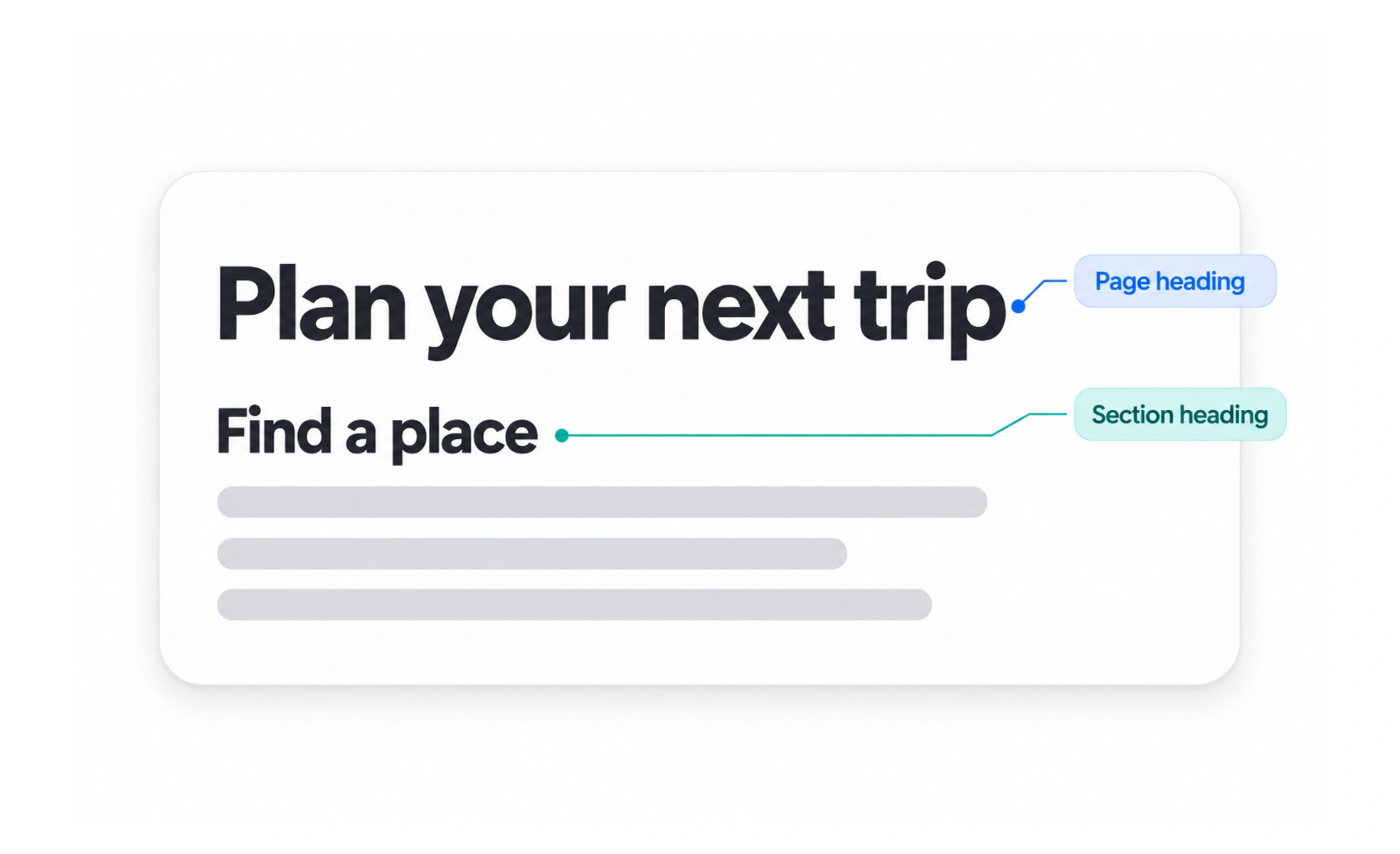
A heading names a page or section and helps readers understand its place in the content structure. Clear headings make long pages easier to scan and navigate.
Headings work like signs in a building: they tell you what a room contains and help you choose where to go next.
Name the content that follows
A useful heading previews the subject of its section in specific, familiar language. Vague labels such as “More” or “Details” make scanning harder unless the surrounding context supplies a clear meaning. Keep headings concise, but include enough detail to distinguish neighboring sections.
Create a logical hierarchy
Organize headings by the relationship between ideas, not only by their visual size. A page title contains the main subject; section headings divide it into major parts; lower-level headings introduce details within a part. Avoid skipping levels just to obtain a smaller font style.
Make headings usable in the interface
Semantic heading elements give assistive technologies a navigable outline. Keep one clear page-level heading where appropriate and use heading levels in order. A text element can look like a heading without using heading markup, but then it will not provide the same structural navigation.
Example: a settings page
A settings page might have a page heading followed by sections for account, notifications, and privacy. Under notifications, a smaller heading can group email choices. This structure lets a person scan the page visually or move between sections with assistive technology.
Frequently asked questions
Key takeaways
- Use descriptive headings that preview the section.
- Keep visual hierarchy and semantic hierarchy aligned.
- Use heading levels in a logical order.
- Check the page outline as well as its appearance.