

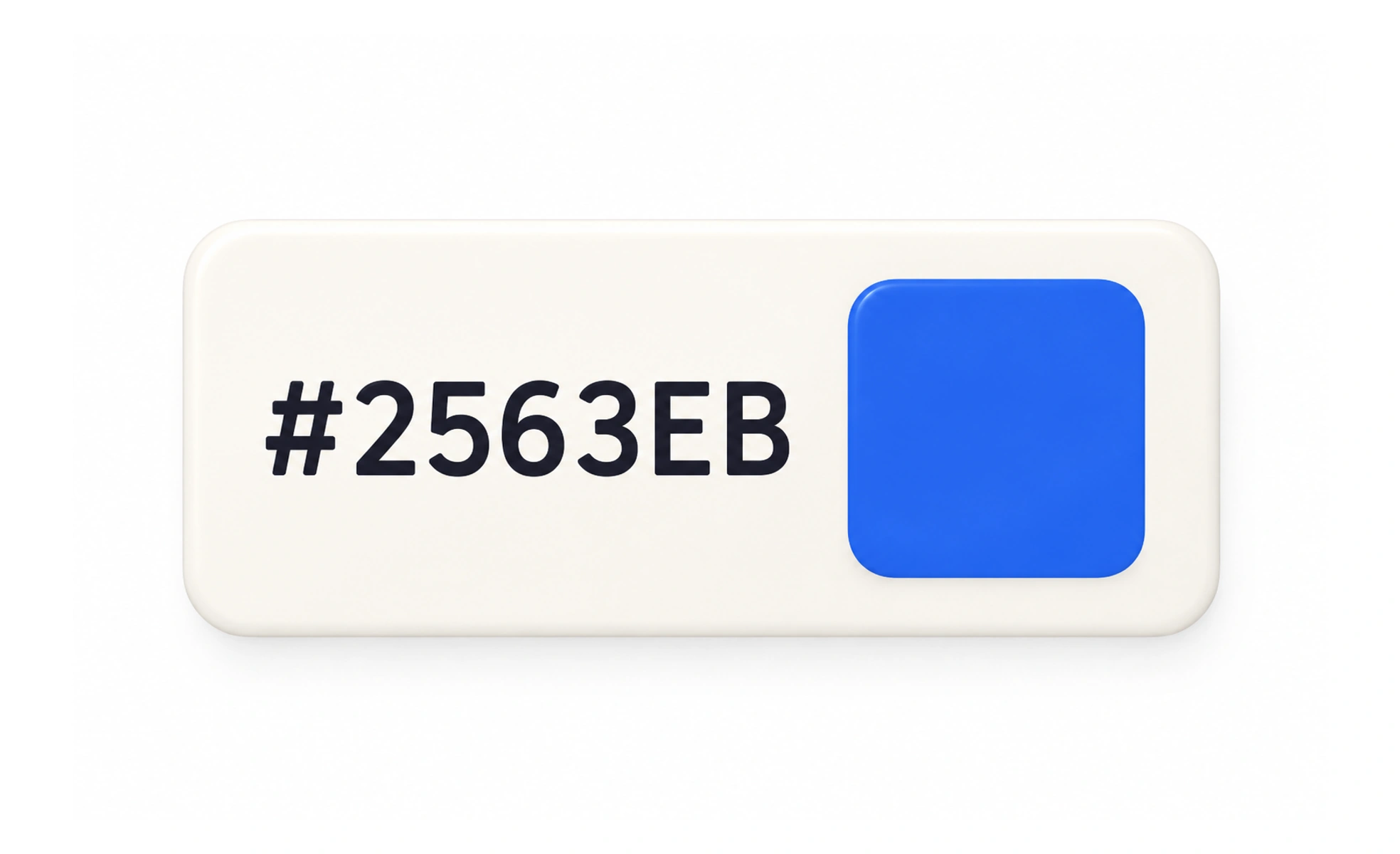
A hex color is a notation for representing color with hexadecimal values, commonly written as six digits for red, green, and blue channels. It is widely used in digital design and CSS.
A hex code is like a compact recipe: its groups of digits specify how much red, green, and blue light to combine.
Read the notation
A common six-digit hex color starts with a hash and contains pairs for red, green, and blue, such as #3366CC. Each pair ranges from 00 to FF. Short three-digit forms are shorthand when each channel repeats its digit, so #36C expands to #3366CC.
Use tokens for product colors
Hex values are convenient for defining a color, but repeating raw values throughout components makes themes and updates harder to manage. Put recurring colors into named design tokens. A token such as text-primary communicates a role more clearly than an unexplained hex literal.
Check alpha and color spaces
Some notations add an alpha channel to represent transparency, but support and ordering can vary across tools. Do not assume two formats are interchangeable without checking their syntax. Hex is also only one way to describe color; modern interfaces may use other color spaces for wider gamuts or perceptual adjustments.
Example: a theme palette
A palette can define named surface, text, border, and accent tokens, with hex values assigned in each theme. Components use the token rather than hardcoding a color. This makes a theme change easier and reduces cases where similar interface elements drift into slightly different shades.
Frequently asked questions
Key takeaways
- Six-digit hex encodes red, green, and blue channel values.
- Use named tokens for recurring interface colors.
- Check the syntax before using alpha shorthand.
- Choose the color notation that fits the product’s color workflow.