

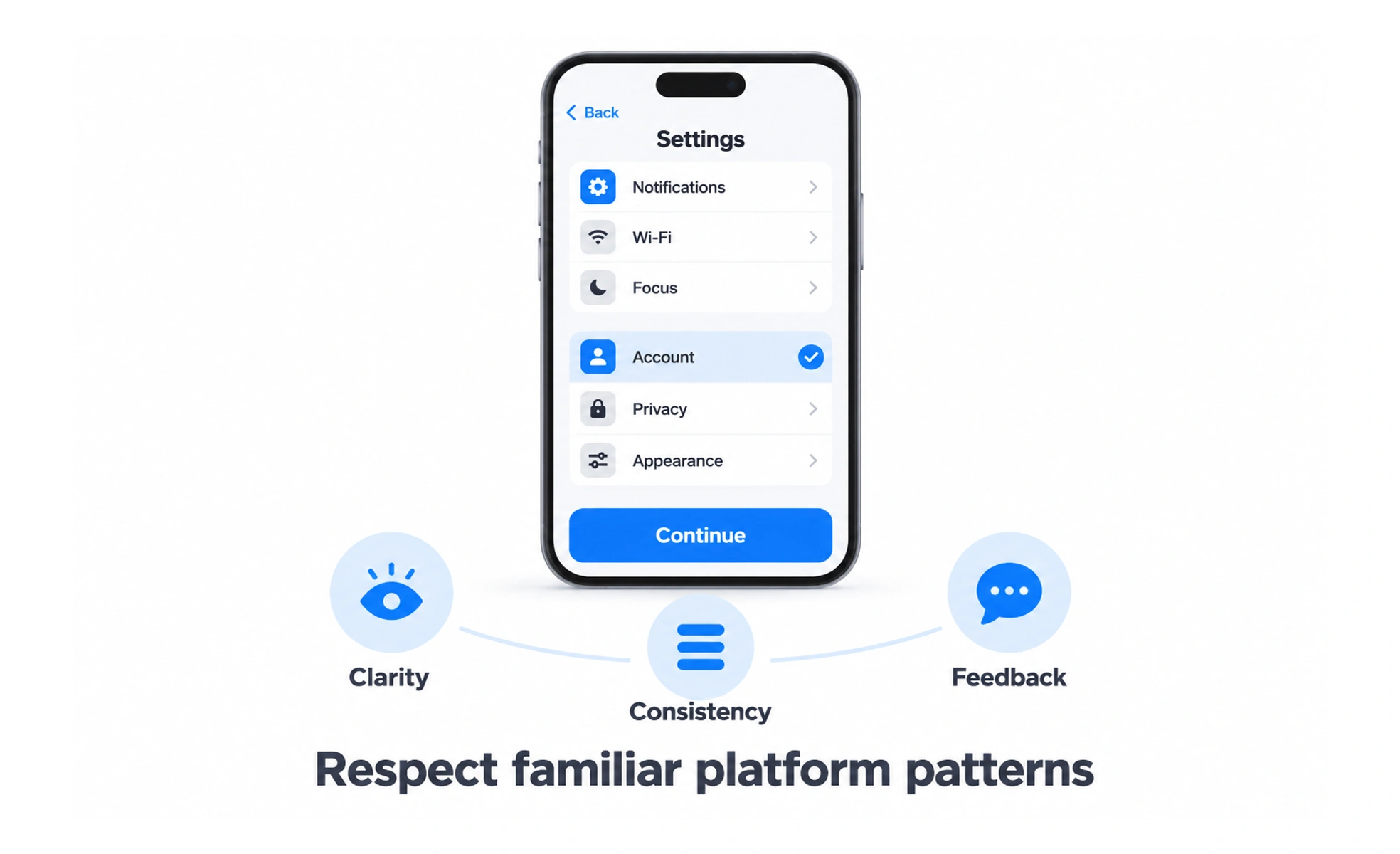
They define navigation rules, typography, touch targets, gestures and accessibility standards across iOS, iPadOS and macOS. Following HIG ensures apps feel familiar and intuitive to Apple users.
Think of it as the building code for an architectural district. It ensures every house follows safe foundation standards and harmonizes with the surrounding neighbourhood.
How it works
Apple HIG organizes design standards into clear, actionable platform conventions and interface principles.
- Platform foundations specify system dynamic type scales, default color palettes and dark mode behaviors.
- Navigation patterns standardize tab bars, navigation stacks, modal sheets and segmented controls.
- Input and touch targets mandate minimum forty-four pixel hit targets to ensure comfortable finger tapping.
- Hardware integration guides the use of haptic feedback, Face ID, camera access and native system sharing.
When to use it
Consult HIG whenever you design or develop native mobile applications for Apple ecosystems.
- Designing iOS apps ensures bottom tab bars and swipe gestures match what iPhone users expect naturally.
- Adapting to iPadOS and macOS introduces multi-window layouts, keyboard shortcuts and sidebar navigation.
- Preparing for App Store review prevents rejections caused by non-compliant icons or broken navigation.
- Implementing accessibility supports VoiceOver screen readers and system dynamic font scaling automatically.
Trade-offs
Balancing native platform consistency with unique custom brand identity requires thoughtful compromise.
- Brand differentiation tension can make apps look like generic system utilities if customized too little.
- Cross-platform maintenance requires maintaining different interaction paradigms between iOS and Android.
- Evolving specifications require regular design updates as Apple introduces new hardware like Dynamic Island.
Frequently asked questions
Key takeaways
- HIG defines standard design patterns and ergonomics across all Apple operating systems.
- Following native conventions leverages existing user habits, reducing learning curves.
- Touch targets must maintain a minimum forty-four pixel size to avoid accidental mis-taps.
- Supporting system dynamic type and VoiceOver ensures full compliance and accessibility.