

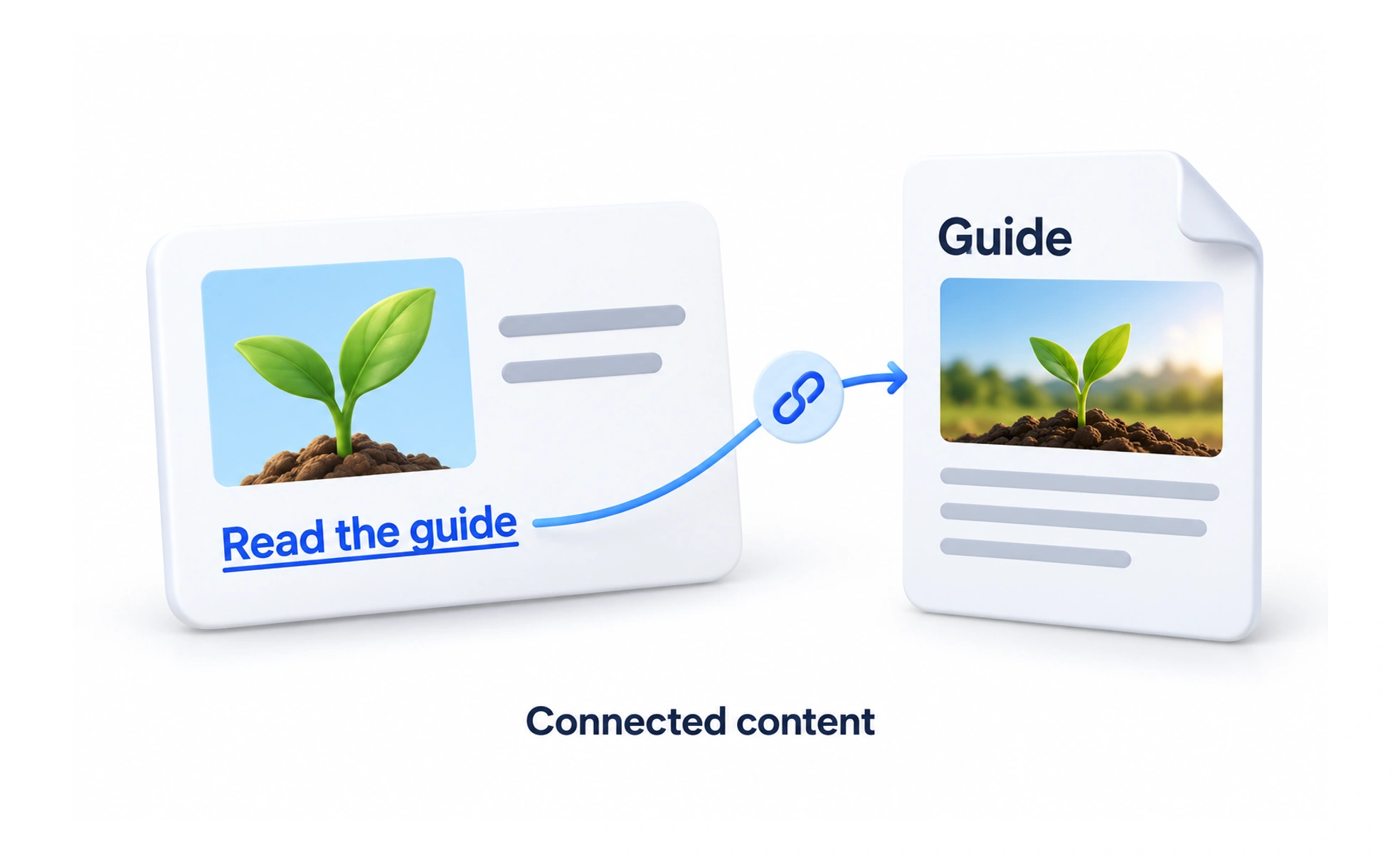
Hyperlinks form the foundational connective tissue of the web and digital applications. When clicked or tapped, they transfer attention to relevant resources or related workflows.
Think of it as a physical door in a building. Stepping through the doorway immediately transports you into a new room containing related information or tools.
How it works
A hyperlink connects two information nodes using semantic markup and clear visual signifiers.
- Anchor tags define the destination destination URL, resource target and accessible relationships.
- Underlines and distinct colors provide universal visual signifiers that distinguish links from plain text.
- Focus states display high-contrast rings when navigated via keyboard tab keys for screen accessibility.
- Descriptive anchor text informs users and screen readers where the link leads before clicking.
When to use it
Use hyperlinks for navigation across pages, rather than triggering system state mutations.
- Navigating between views transports the user to detailed articles, settings panels or external references.
- In-text citations connect body paragraphs to authoritative source documents and related glossary hubs.
- Breadcrumb trails help users understand where they sit within deep hierarchical site architectures.
- Skip links allow keyboard users to jump directly past repetitive header menus straight to main content.
Common mistakes
Interface designers routinely violate basic link conventions, confusing users and screen readers.
- Using generic link text such as Click Here or Read More, which provides zero context out of sentence flow.
- Styling buttons as links or styling links as buttons, blurring navigation and transactional boundaries.
- Removing link underlines without providing strong alternative contrast, leaving links indistinguishable.
- Opening external links in new tabs without warning, disorienting users who rely on the browser back button.
Frequently asked questions
Key takeaways
- Hyperlinks connect information nodes and enable seamless navigation across the web.
- Use hyperlinks for navigating to pages and buttons for executing state-changing actions.
- Anchor text must be descriptive and meaningful when read in isolation by screen readers.
- Underlines and high-contrast color signifiers make links immediately scannable.