

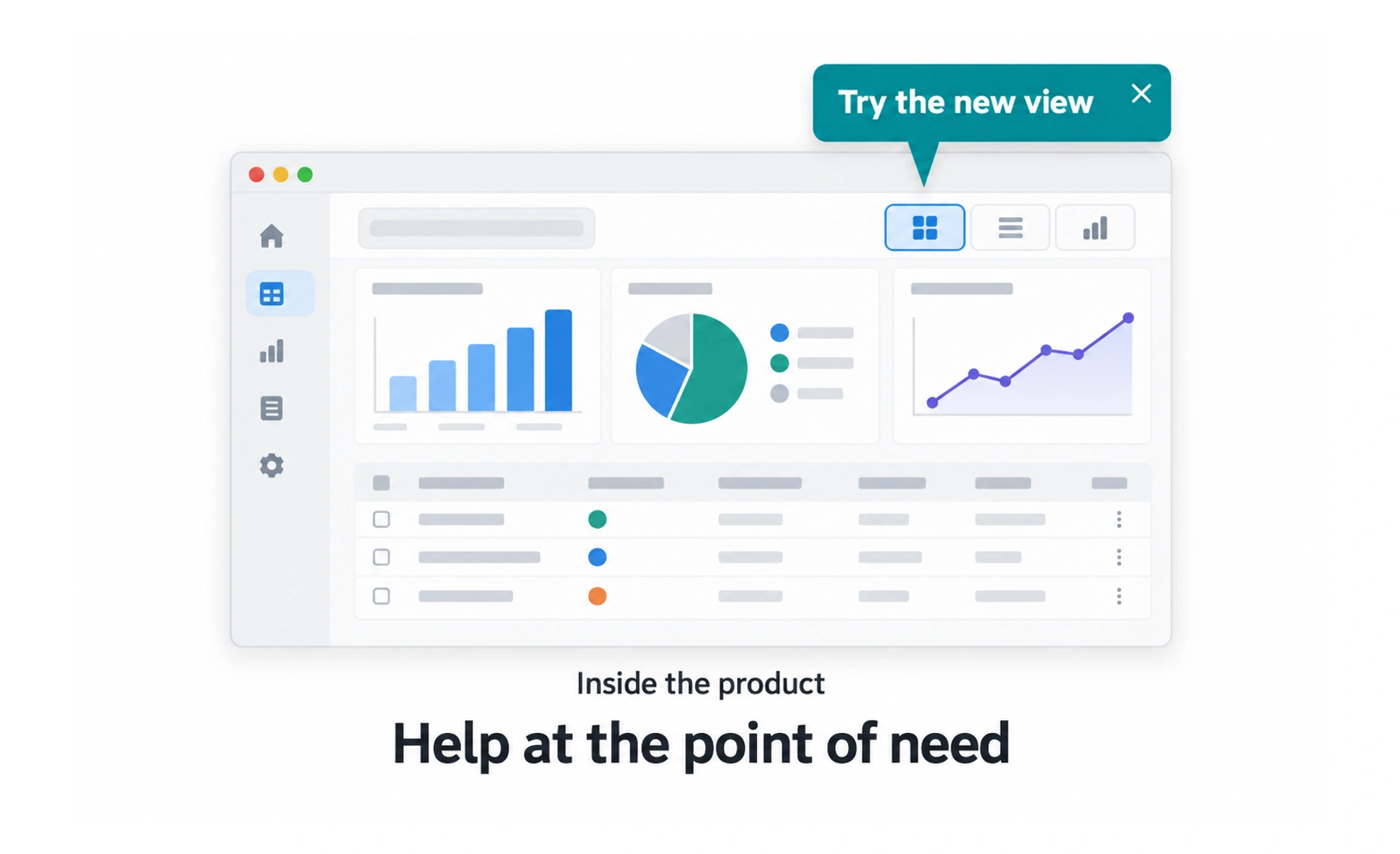
Messages can guide people through a task or share information at a relevant moment. They can also interrupt work or feel intrusive when poorly timed. A useful message has a clear audience, purpose, frequency, and dismissal behavior, with preferences for communication that is not essential.
A helpful colleague speaks when a question comes up and lets you return to work; constant unsolicited commentary would make the same guidance unwelcome.
Choose the right moment
Place a message near the task it explains, but avoid covering controls or interrupting a focused activity. Consider what the user has already done and whether the message is still relevant. Repeating the same announcement on every visit can turn useful guidance into noise.
Write for a specific action
State what changed or what the person can do, using plain language and a clear next step. Keep the message concise and do not make a promotional announcement look like a system warning. If an action changes data or settings, explain its effect before activation.
Respect control and accessibility
Make dismissal easy and keep focus behavior predictable. Do not force a person to close a message before they can continue unless the information is essential to safety or task completion. Provide text alternatives for icons and avoid relying on color to convey urgency.
Manage frequency and outcomes
Set rules for who receives a message, how often it can appear, and when it expires. Let people manage optional announcements and reminders. Measure whether the message helps users complete a task, not merely whether it receives clicks.
Frequently asked questions
Key takeaways
- Deliver messages in context and at a useful time.
- Explain the purpose and next action clearly.
- Make optional messages easy to dismiss and preferences easy to find.
- Set frequency rules and measure user outcomes, not clicks alone.