

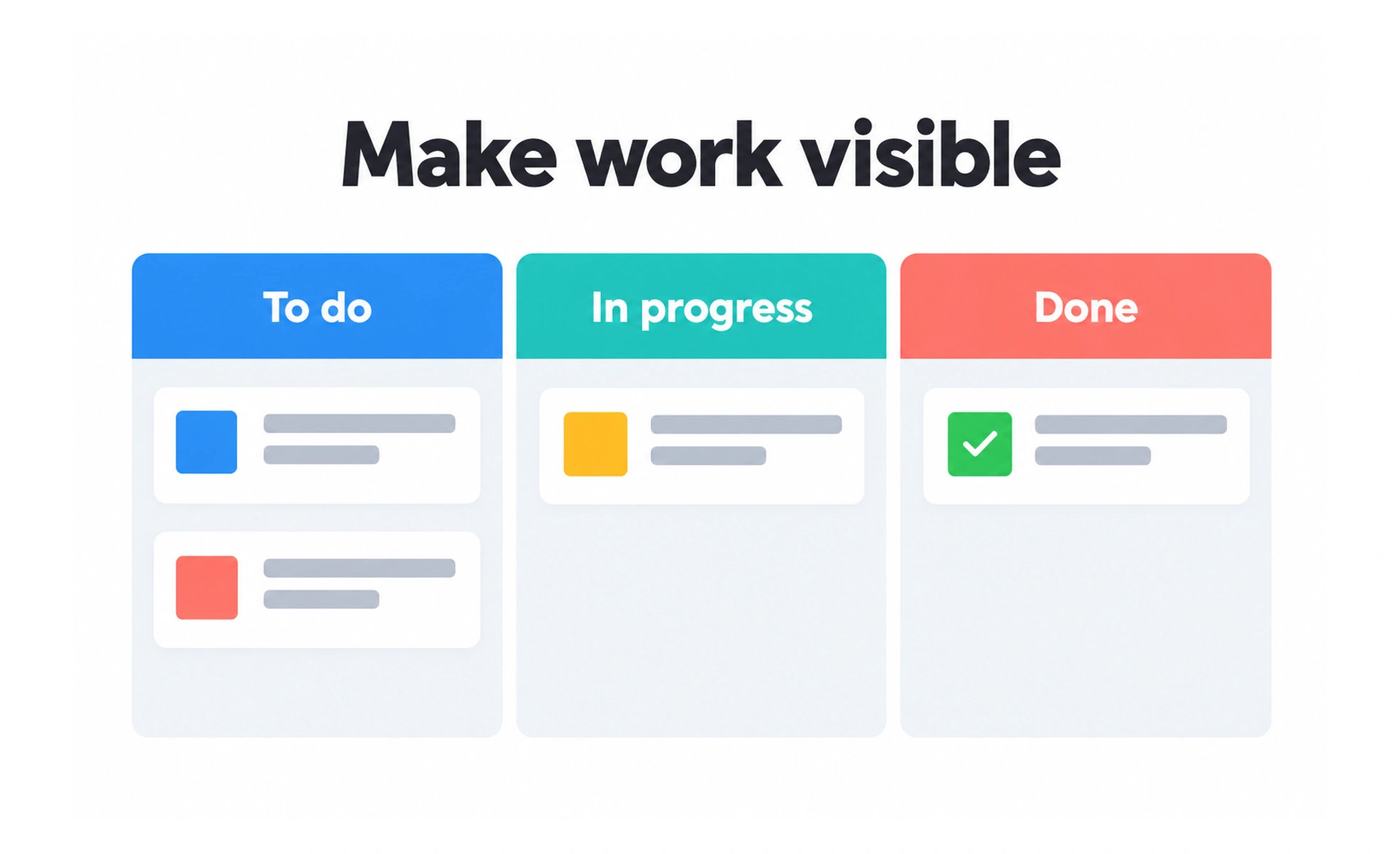
Teams may configure work items, boards, and workflows to coordinate projects or service work. Jira is a named product, while work tracking is the broader practice. A tool is useful when its structure reflects how a team makes decisions, rather than adding process that no one needs.
It can act like a shared work board with a history: teammates can see what needs attention, who owns it, and what has changed.
Represent work clearly
A tracked item should describe a meaningful unit of work, include enough context, and have an owner or next step when needed. Teams can use different item types, but the distinctions should help people plan and report rather than create extra labels to maintain.
Model the team’s workflow
Statuses and transitions can show how work moves from request to completion. Keep the workflow close to actual practice and define what each state means. Too many statuses or mandatory transitions make a board difficult to scan and can encourage inaccurate updates.
Use boards and reports as views
Boards and reports can help a team inspect work by priority, owner, or stage. They are only as trustworthy as the underlying updates. Agree on how work is recorded, and check that a report answers a real planning question before adding more dashboards.
Keep process proportionate
A work-tracking system can become a source of overhead if every action requires duplicate entry or approval. Remove fields and steps that do not support a decision, coordination need, or compliance requirement. Review permissions and notifications so information reaches the right people.
Frequently asked questions
Key takeaways
- Work tracking helps a team coordinate tasks and changes.
- Define work items and workflow states in terms people share.
- Treat boards and reports as views of maintained work data.
- Keep process, permissions, and notifications proportionate to team needs.