

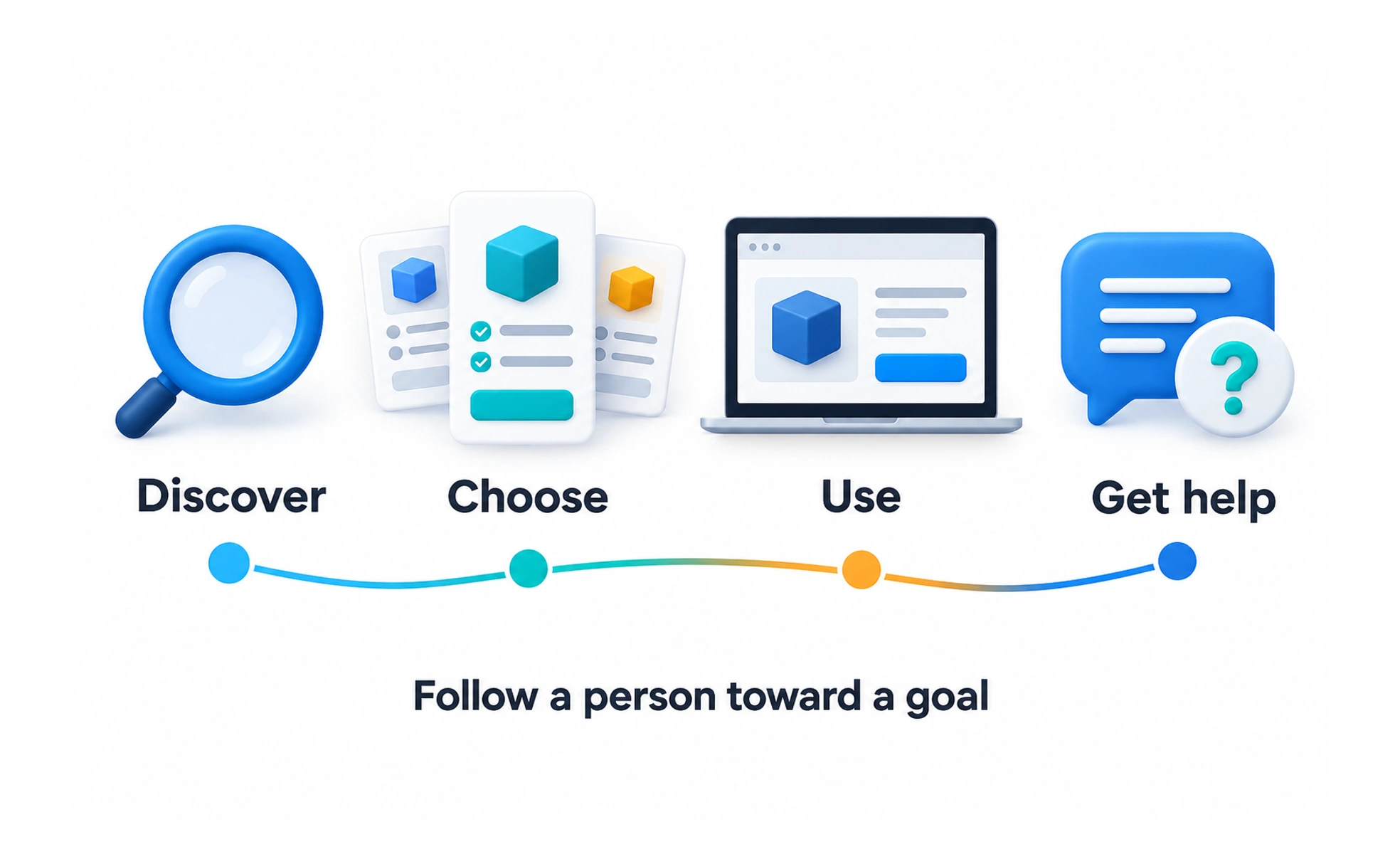
A task often begins before someone opens your app and continues after they close it. A journey map helps a team see that wider experience. It can reveal a gap between a smooth digital transaction and an unresolved real-world need.
Choose a person, goal and boundary
Define whose journey you are describing and what they are trying to achieve. Set a meaningful start and end. For a repair booking, the journey might begin when a device fails and end when the person can use it again.
Do not mix several audiences into one idealized path. A person arranging their own repair and an administrator arranging repairs for a team may face different steps and responsibilities.
Build the map from evidence
Arrange relevant stages and record what the person does, encounters and needs to understand. Add reported thoughts or feelings only with a clear basis.
Distinguish a researched current journey from a proposed future experience. If a stage is based on a team assumption, label it. The finished diagram should not make uncertain information look more reliable than it is.
Example: getting a laptop repaired
The online form takes only a few minutes, but the customer then waits two days without knowing whether a technician will visit. They call support and repeat the details already submitted.
The map reveals a handoff problem after the form, not just an interface problem inside it. A useful improvement could be a clear booking status and a shared record for support. Redesigning the submit button would miss the main difficulty.
Connect opportunities to action
Use the map to identify changes the team can investigate.
- Name the friction and its supporting evidence.
- Identify who can change the relevant service step.
- Separate proposed improvements from delivered ones.
- Revisit the map after the experience changes.
A journey map becomes useful through decisions and follow-up, not through the number of stages or icons it contains.
Frequently asked questions
Key takeaways
- Map a specific person’s goal across time.
- Include relevant activity outside the interface.
- Label current evidence, assumptions and future proposals.
- Connect pain points to owners and next actions.