

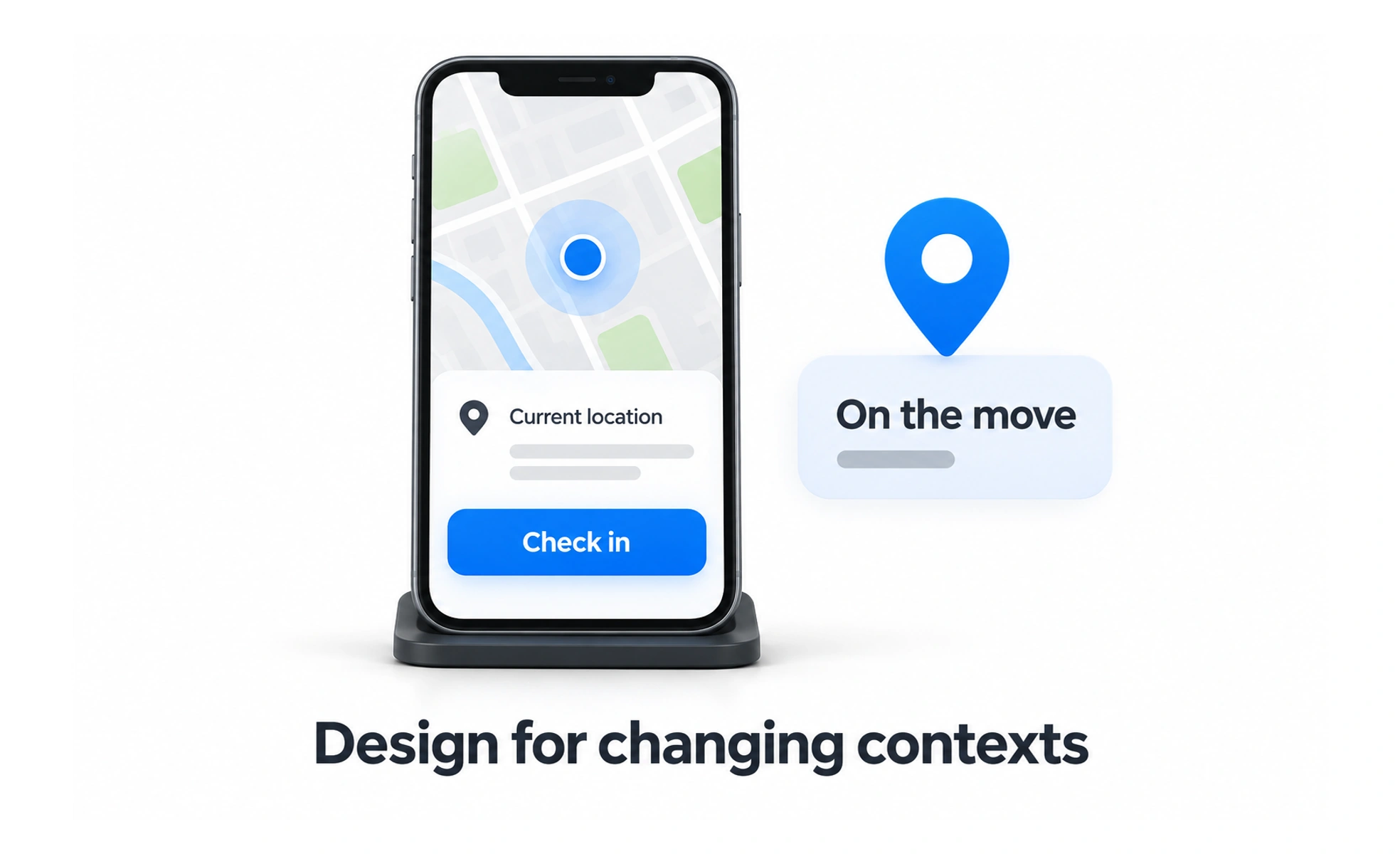
A mobile experience must work within a small, changing viewport and often supports touch, intermittent connectivity, and brief sessions. The device may also offer cameras, location, sensors, or notifications, but access to those capabilities should serve a clear purpose and respect user choice.
Designing for mobile is like planning a useful pocket-sized toolkit: every item needs a reason to be there, and the most important tools must be easy to reach.
Design for the real context
People may use a phone while standing, walking, switching between tasks, or dealing with glare and noise. Prioritize the main job, make progress easy to resume, and avoid interactions that require prolonged precision. Do not assume that every mobile session is rushed; understand the context through research.
Adapt layout and content
Small screens have less room, but simply shrinking a desktop layout does not make it mobile-friendly. Reflow content in a meaningful order, keep important actions visible, and use concise labels without removing needed context. Check text enlargement, orientation changes, and long translated strings.
Support touch and other input
Touch controls need enough space and separation to reduce accidental activation. Provide clear pressed, loading, and completed states. Mobile products should also work with keyboards, screen readers, switch controls, and voice input when the operating system supports them.
Plan for network and device limits
Connections can drop, battery and memory vary, and older devices may render complex screens slowly. Keep essential tasks usable under constrained conditions, preserve entered work when possible, and explain whether an action is queued or failed. Ask for device permissions only when the related feature is needed.
Frequently asked questions
Key takeaways
- Design around the user’s context, not screen size alone.
- Reflow content and preserve the most important task and context.
- Make touch targets clear while supporting assistive input.
- Account for connectivity, performance, battery, and permissions.