

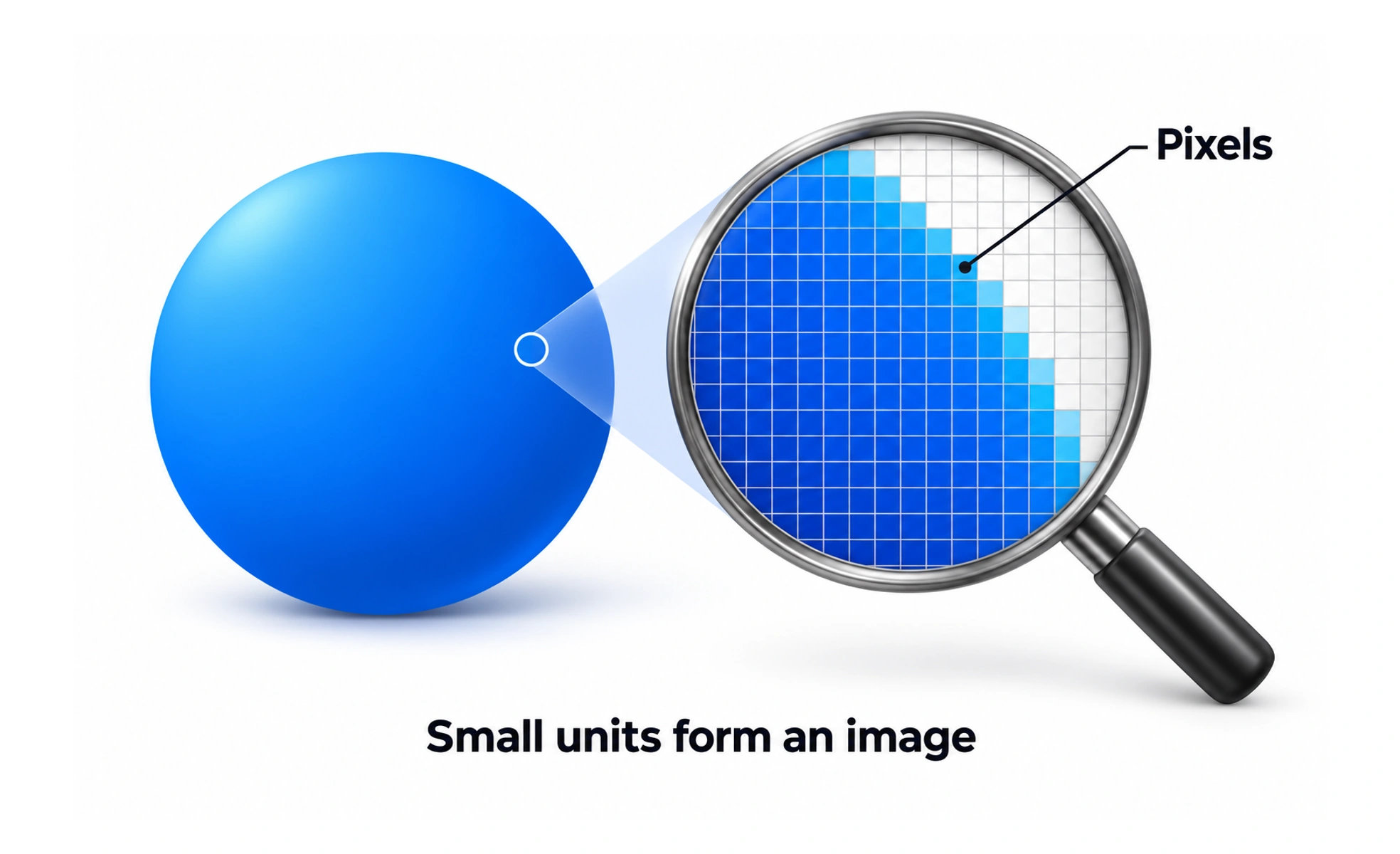
The word can refer to a physical display element, a raster image sample, or a logical coordinate used by software. These meanings are related but not interchangeable. Understanding which one applies helps designers prepare sharp assets and create layouts that adapt to different screens.
A raster image is like a mosaic made from tiny colored tiles; a vector drawing is closer to instructions for recreating the shapes at different sizes.
Distinguish image pixels from layout units
A bitmap stores color samples in a fixed grid, so enlarging it too far can make edges look soft. Interface code often uses logical units that are scaled by the device. A design value of 16 logical pixels does not always correspond to exactly 16 physical screen pixels.
Prepare images for display density
A device with a high-density display may use multiple physical pixels to draw one logical unit. Exporting a raster asset at an appropriate density helps it appear crisp without changing its intended layout size. Modern image formats and responsive image delivery can provide different sizes for different contexts.
Avoid treating every dimension as fixed
Precise values are useful for spacing and alignment, but a layout should respond to content, viewport, and user settings. Text enlargement, translated strings, and narrow windows can require elements to grow or wrap. Use flexible constraints where they preserve the design’s intent better than rigid widths.
Check output on actual screens
Inspect images for blur, cropping, and compression artifacts at the sizes where people will see them. Check interface text at zoom and increased font settings. A pixel-perfect mockup at one viewport does not guarantee a readable or accessible result on another device.
Frequently asked questions
Key takeaways
- A physical pixel, image sample, and logical layout unit are different concepts.
- Use suitable image resolution for the displayed size and density.
- Keep layouts flexible when text, content, or viewport changes.
- Review the rendered experience at real sizes and zoom levels.