

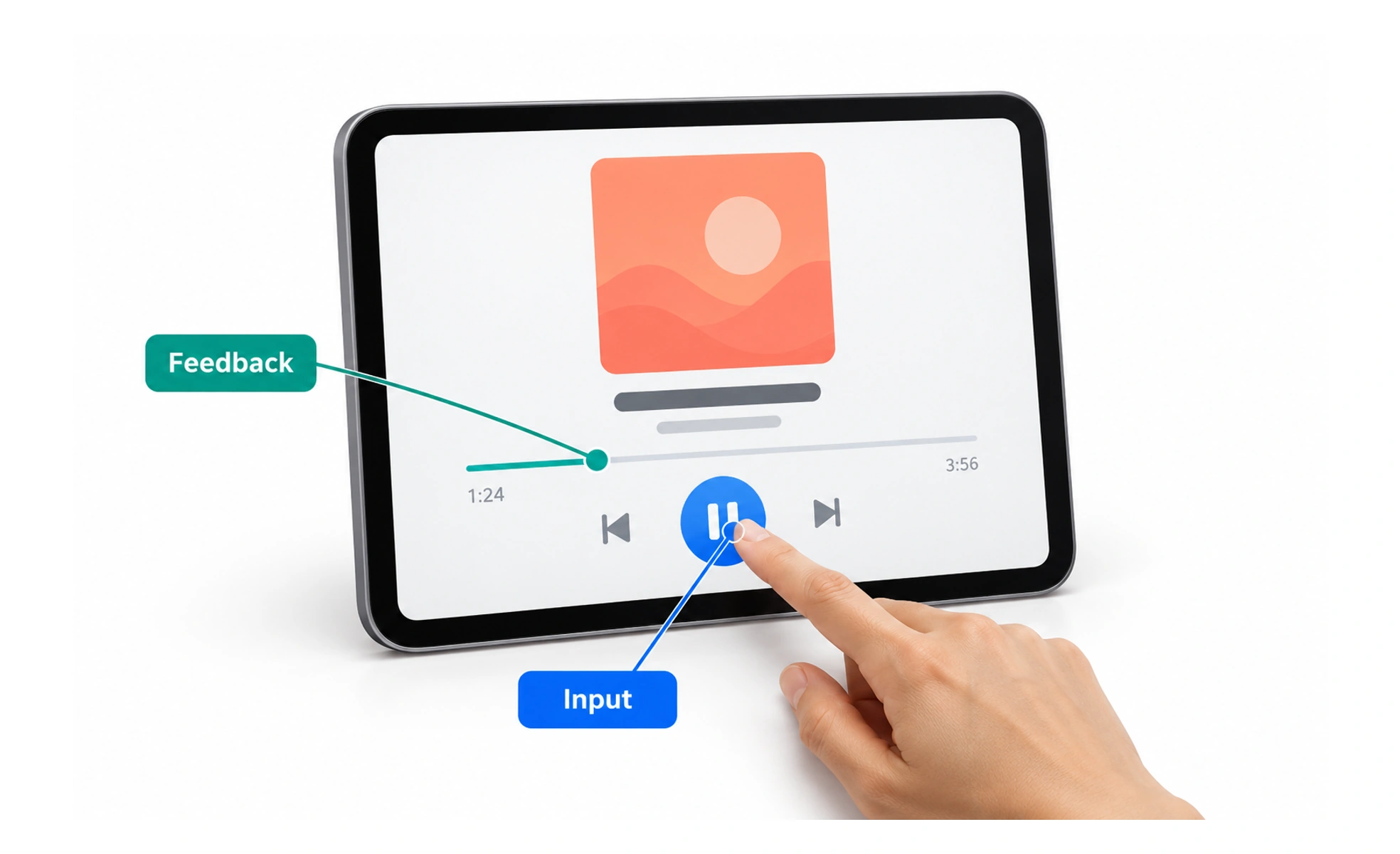
It includes buttons, typography, navigation menus, input forms and animation feedback. While UX design focuses on the holistic problem-solving journey, UI design shapes the visual surface.
Think of it as the dashboard and steering wheel of a car. The engine and chassis do the mechanical work, but the steering wheel and speedometer are what let you steer.
Types
User interfaces evolve across diverse interaction paradigms and sensory modalities.
- Graphical user interfaces (GUI) use visual windows, icons, menus and pointers controlled via mouse or trackpad.
- Touch user interfaces respond directly to finger gestures like tapping, pinching and swiping on glass screens.
- Voice user interfaces (VUI) interpret spoken human language to execute commands without visual screens.
- Spatial interfaces track eye gaze, hand gestures and room depth inside augmented or virtual reality headsets.
How it works
A digital interface operates through structured layers of visual communication and sensory feedback.
- Visual layout structure arranges content logically using grid systems, typographic hierarchy and whitespace.
- Interactive components provide tactile controls such as buttons, toggles, checkboxes, sliders and text inputs.
- System state feedback changes visual styling instantly to acknowledge hover, active press, loading and disabled states.
- Motion and transitions guide human focus smoothly between pages so state changes feel physically coherent.
Common mistakes
Designers frequently damage interface usability by prioritizing decorative flair over functional clarity.
- Creating low-contrast controls that look subtle in design tools but wash out under bright ambient sunlight.
- Designing ambiguous interactive states, where users cannot tell whether a button is disabled, loading or clicked.
- Inventing non-standard navigation patterns, forcing users to relearn fundamental navigation mechanics.
Frequently asked questions
Key takeaways
- The user interface is the visual and tactile point of contact between human and software.
- Effective interfaces combine clear visual hierarchy with immediate state feedback.
- Touch and spatial interfaces require larger hit targets than traditional mouse-driven desktop software.
- Aesthetic polish must always serve functional usability, legibility and accessible navigation.