

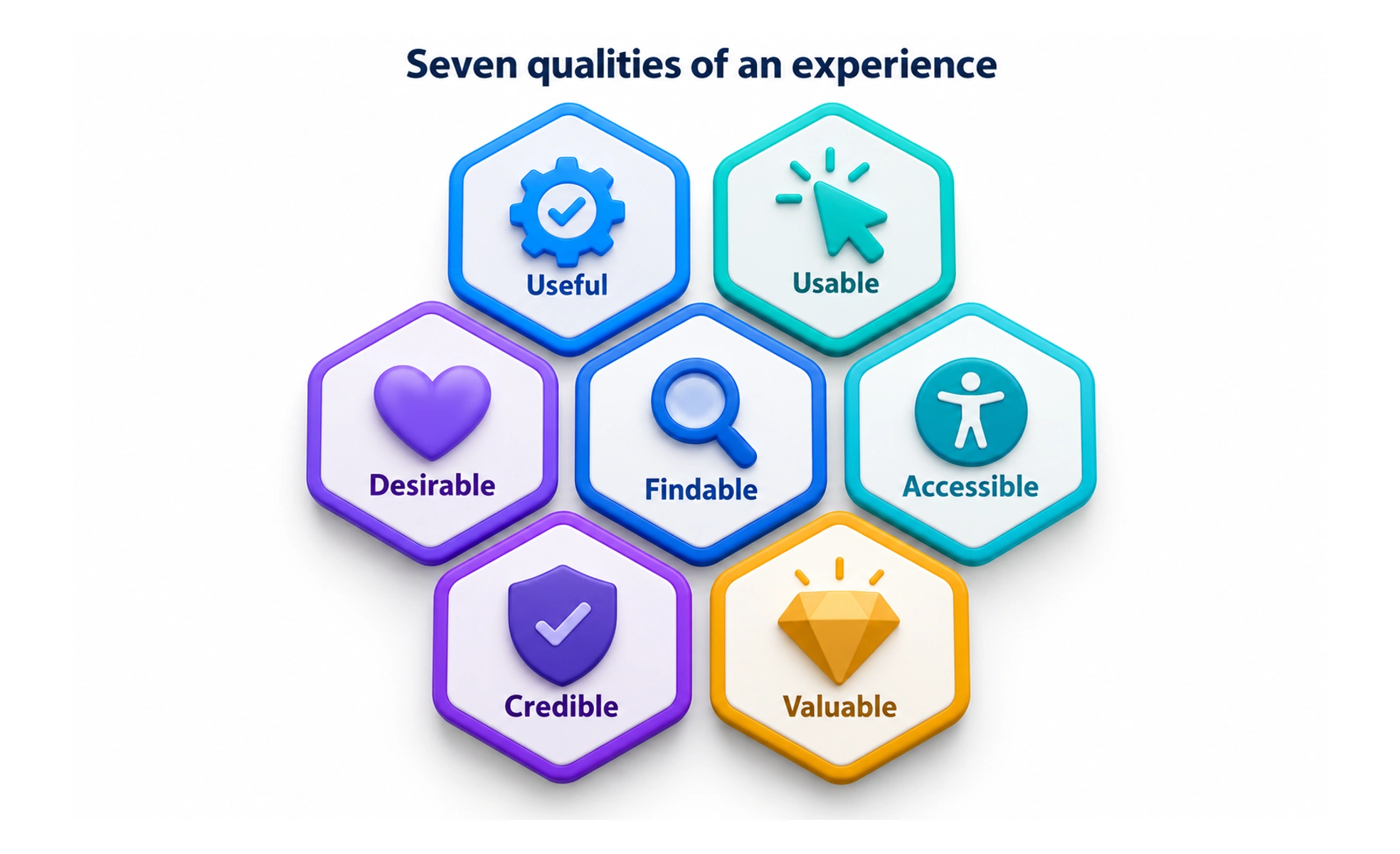
Information architect Peter Morville introduced the honeycomb to help teams discuss experience quality beyond ease of use. Its facets offer prompts for examining a product from different angles; they are not a universal scoring formula or a checklist that proves a design is successful.
Think of the honeycomb as seven windows onto one experience: each reveals a different concern, while people still experience the product as a whole.
Understand the seven facets
Useful asks whether the product meets a real need. Usable concerns whether people can accomplish tasks effectively. Desirable considers identity and emotional response. Findable covers locating information and actions. Accessible asks whether people with different abilities can use it. Credible concerns trust, and valuable considers outcomes for both users and the organization.
Use facets to find questions
The framework can help a team broaden a critique. A checkout might be usable but not credible if fees appear late; a help article may be credible but hard to find. Turn each relevant facet into a research question or design check tied to the product’s audience and context.
Avoid using it as a scorecard
The honeycomb does not define numeric measures, required thresholds, or a single method for evaluating UX. Teams can pair its prompts with usability studies, accessibility checks, analytics, and customer feedback. Record which evidence supports a conclusion and where uncertainty remains.
Frequently asked questions
Key takeaways
- The seven facets broaden discussion beyond ease of use.
- Apply the qualities that matter to the audience and task.
- Use the framework to create research questions, not automatic scores.
- Support conclusions with evidence and discuss trade-offs.