

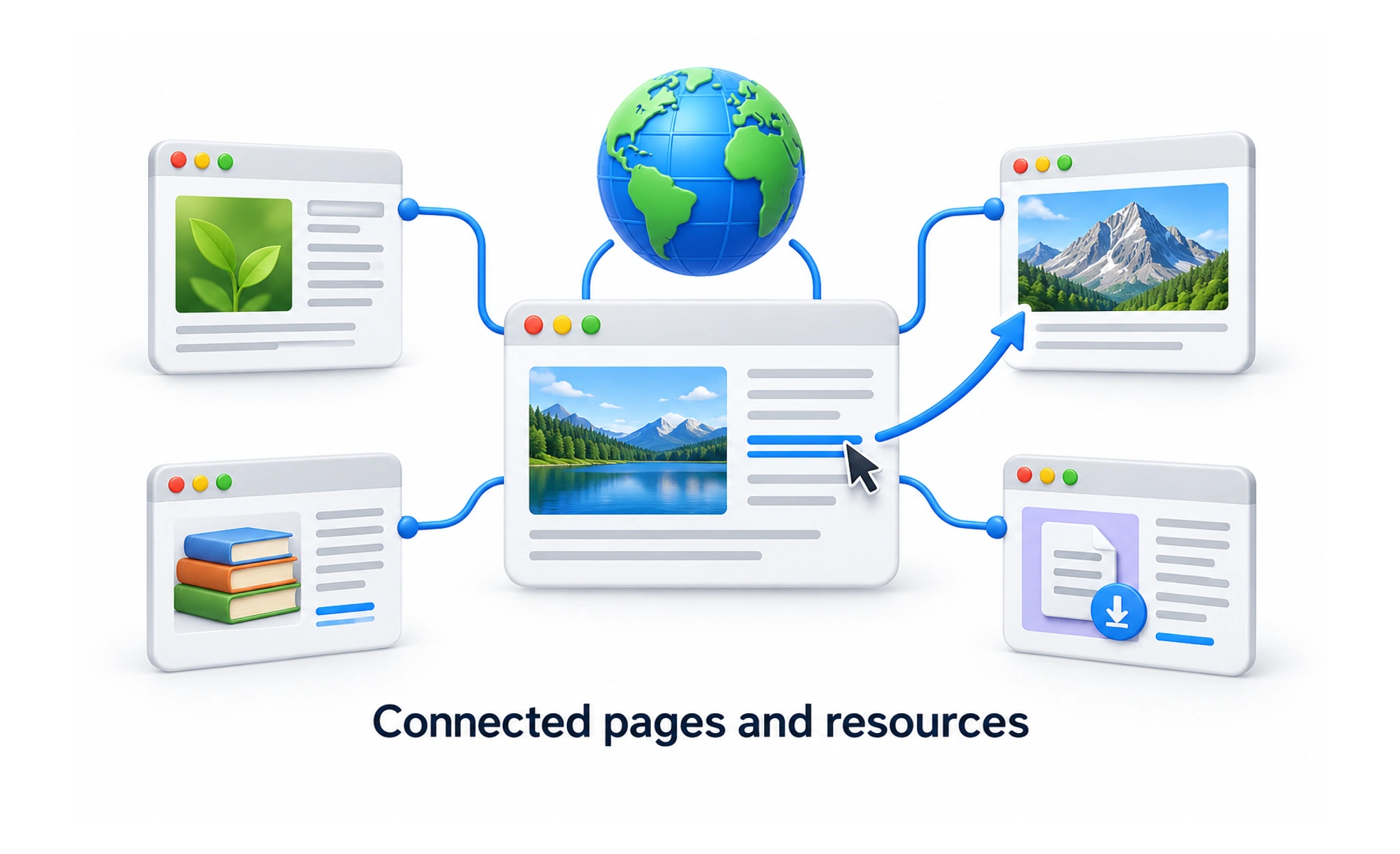
The web and the internet are related but different. The internet connects networks. The web uses that connection to deliver resources identified by addresses, such as articles, images and applications. Email and other internet services can exist without being web pages.
Follow a request from browser to server
When you open a web address, the browser needs to find and request the relevant resource. A server responds, and the browser interprets what it receives. A page may request additional files, such as styles, scripts and images.
That process can involve delays or failures at several points. The screen someone sees is the result of this exchange, not simply a picture sent from a design file.
Understand the main building blocks
An address, or URL, identifies a resource. HTTP describes how clients and servers exchange requests and responses. HTML gives page content structure; CSS styles it; JavaScript can add behavior.
These roles help explain common product problems. An unavailable server can prevent a page from loading. A missing image affects one resource. A script failure can break a particular interaction even when the text remains visible. The same symptom does not always have the same cause.
Design for an imperfect connection
Requests take time, and people use different devices and networks. Provide understandable loading and failure states. Preserve entered work where possible, and explain whether retrying an action is safe.
Do not assume that a button click means the server saved the change. Confirmation should reflect the actual outcome, particularly for payments, bookings and other actions that matter.
Frequently asked questions
Key takeaways
- The web uses the internet; the two terms are not interchangeable.
- Browsers request resources and build pages from responses.
- Stable addresses help people share, refresh and return.
- Loading, failure and retry behavior are part of web product design.