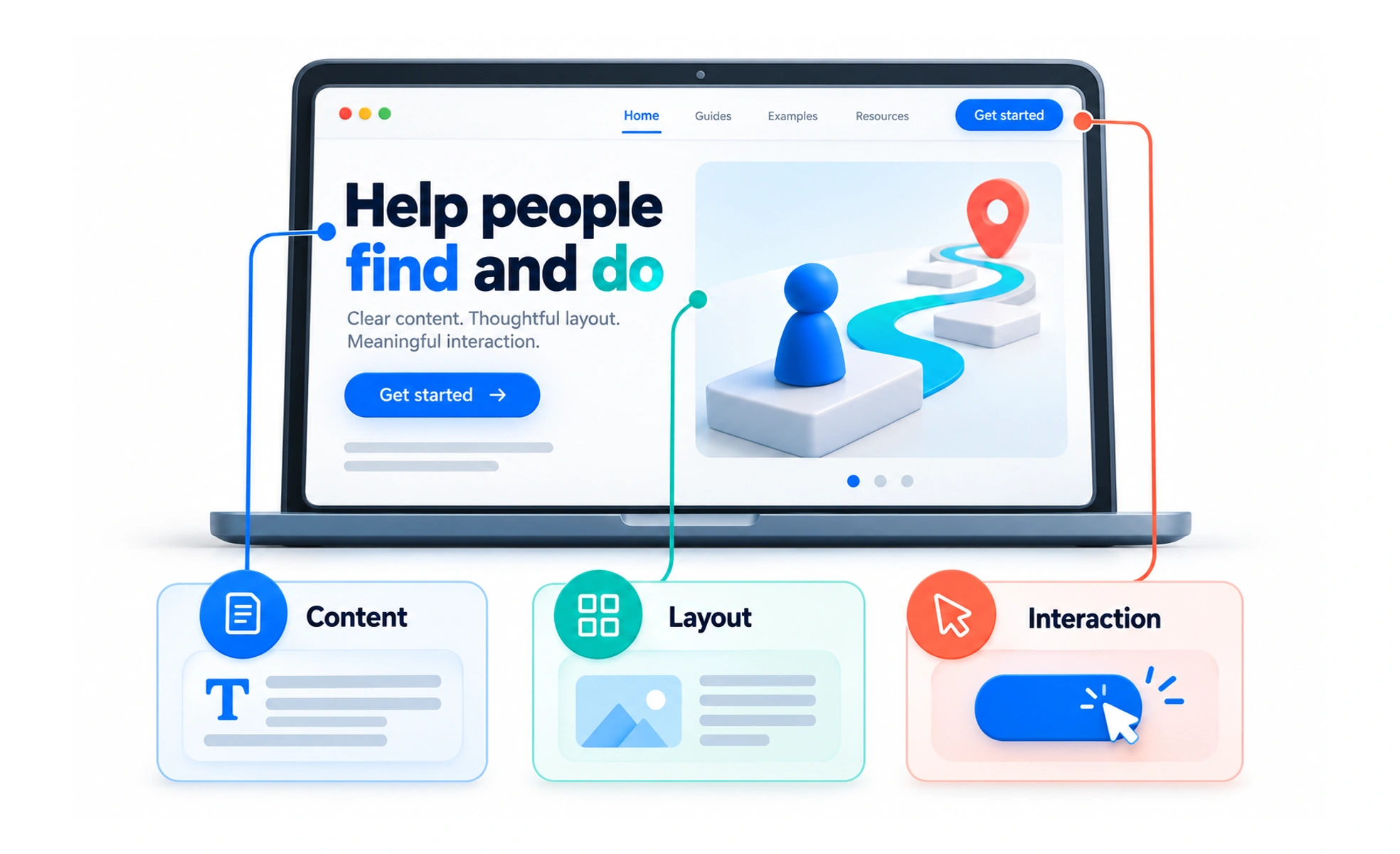
A useful website connects clear content with a layout people can understand and controls they can operate. Its design needs to work when the screen is small, the connection is slow or someone uses a keyboard instead of a mouse.
Start with the reason for the visit
Before choosing colors or arranging cards, identify what people came to do. A visitor to a repair service might need to check coverage, compare prices or book a visit. Those tasks help you decide what information appears first.
Write down the questions the page must answer. If people cannot tell whether the service repairs their device, a prominent booking button simply moves their confusion to the next step.
Design the whole page behavior
A website is more than a set of attractive desktop screenshots. Describe how its content and controls behave in different conditions.
- Let layouts adapt when the available space changes.
- Keep navigation and action labels understandable.
- Plan loading, empty, successful and failed states.
- Check text contrast, keyboard focus and readable content.
Shared styles and components help pages feel related. Still, different tasks may need different layouts. A booking form and an editorial article should not be forced into identical structures.
Example: a local repair website
The home page explains which devices are covered and what a visit costs. A visitor enters a postcode before choosing an appointment. If the area is not covered, the site explains that immediately rather than after a long form.
This is a design improvement even if the visual style barely changes. It places the right information at the moment people need it and avoids unnecessary effort.
Review with real content
Test long service names, missing images and narrow screens. Ask someone unfamiliar with the business to complete the important task. Watch where they hesitate instead of explaining where to click.
A layout that works only with short placeholder text is not ready. Review the implemented page as well as the design file, because actual fonts, data and browser behavior can change the result.
Frequently asked questions
Key takeaways
- Begin with visitor goals and questions.
- Design responsive layouts and meaningful interaction states.
- Use real content when reviewing a page.
- Judge success by task completion and understanding, not appearance alone.