

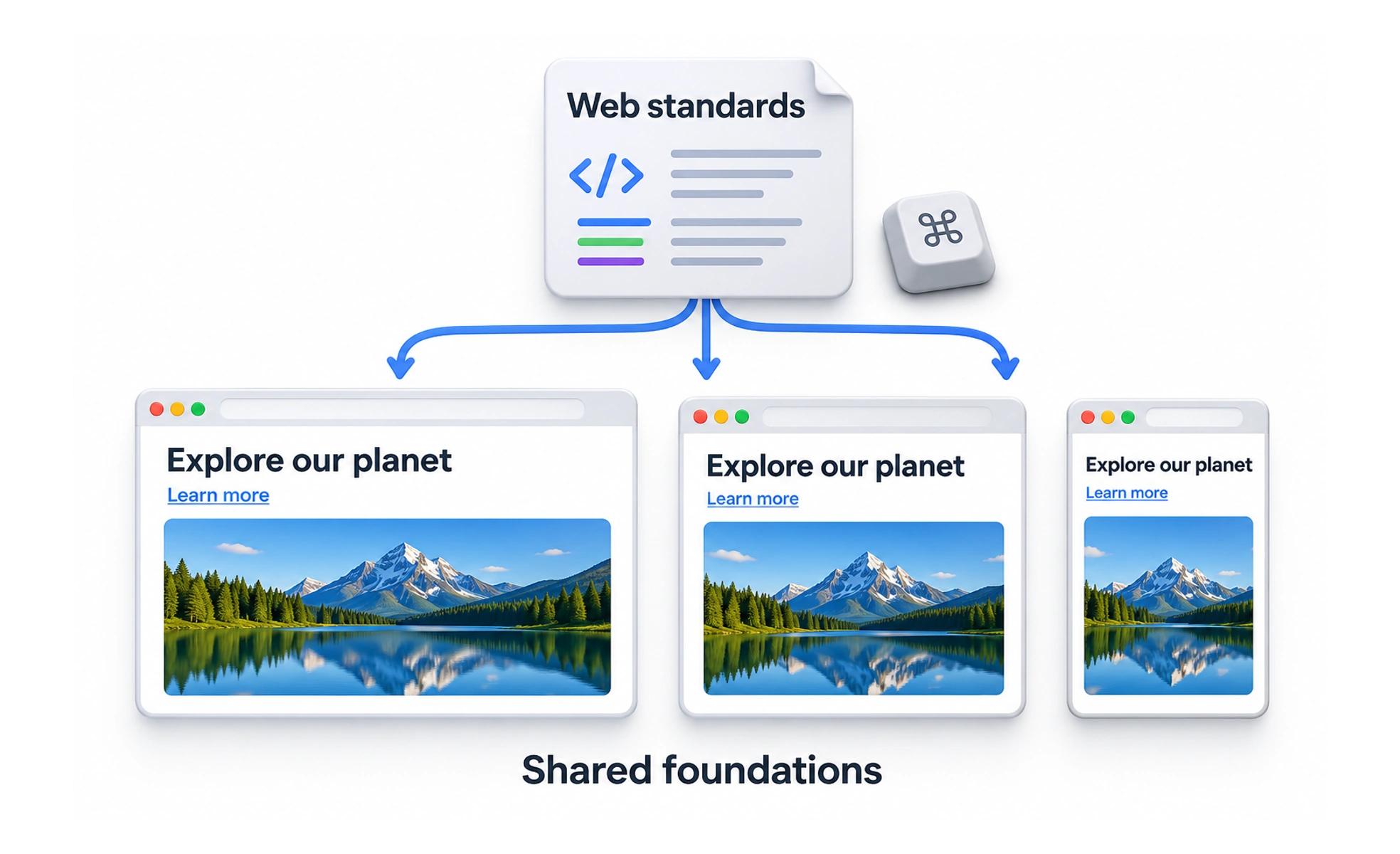
Standards define how web technologies such as HTML, CSS, and accessibility features should behave. Following them helps teams build experiences that are more interoperable, understandable, and resilient.
Shared road rules let people travel safely even when vehicles come from different manufacturers. Web standards provide common expectations so browsers and sites can work together.
Use the platform as intended
Semantic HTML elements communicate structure and behavior to browsers and assistive technologies. Correct controls provide familiar keyboard and focus behavior. Using the right element can reduce custom code and improve consistency.
Support different browsers and devices
Standards create a common baseline, but implementations can still differ. Teams should use progressive enhancement, avoid unnecessary browser assumptions, and check important experiences on the devices and browsers their users rely on.
Treat accessibility as part of conformance
Accessible names, keyboard interaction, contrast, and meaningful document structure are not optional decoration. Standards and guidance help teams understand expected behavior, but automated checks cannot replace human evaluation and testing with assistive technology.
Keep current and verify behavior
Web specifications and browser support evolve. Use authoritative documentation, check compatibility before relying on newer features, and test the actual product. Standards are a foundation for interoperable work, not a guarantee that every design decision is usable.
Frequently asked questions
Key takeaways
- Use semantic web features to improve interoperability.
- Check real browser and device support for important behavior.
- Build accessibility into structure and interaction.
- Treat standards as a foundation and test the finished experience.