

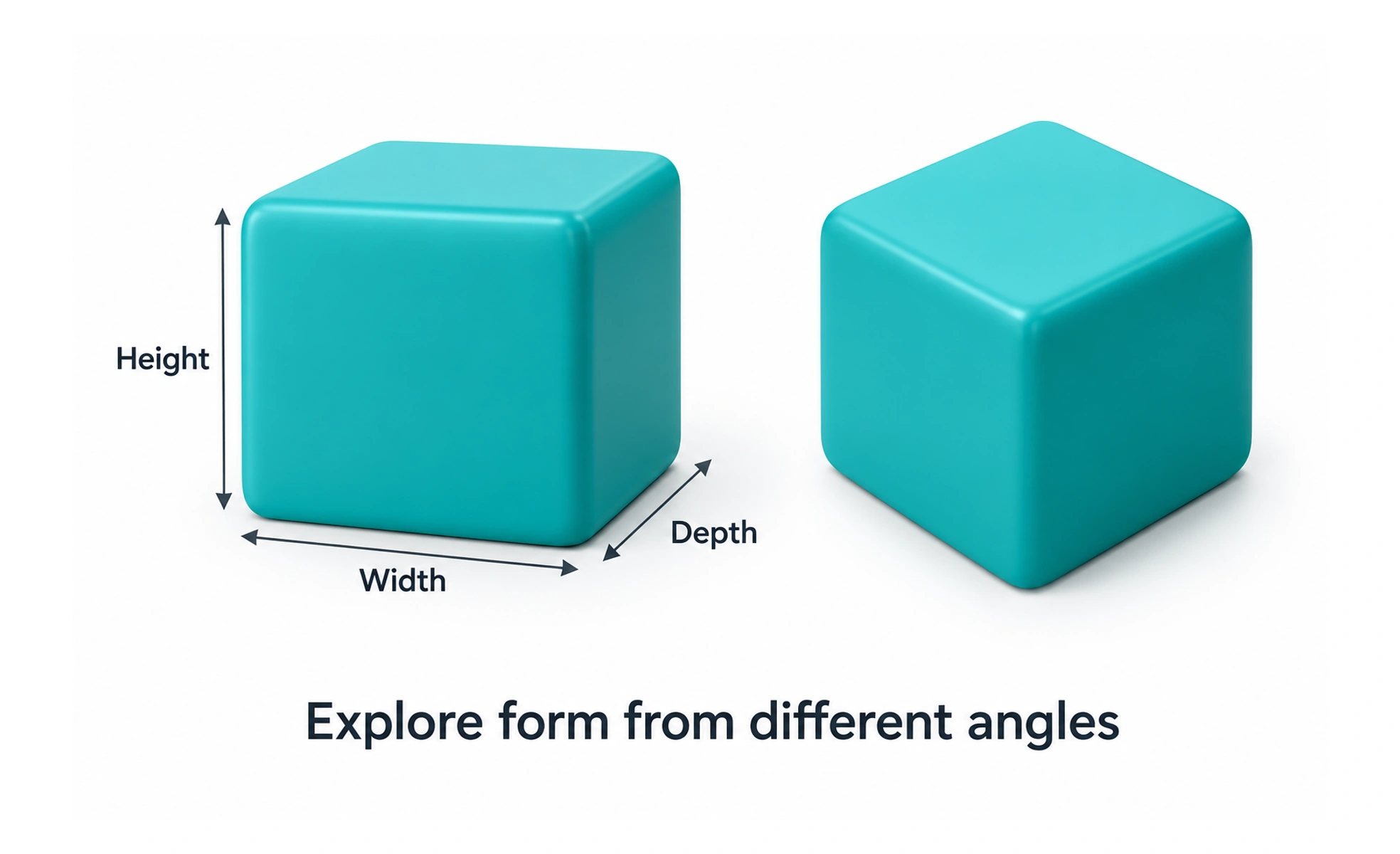
Designers use 3D models to communicate form, simulate physical relationships, and create interactive scenes. The work may appear in product previews, games, instructional tools, or spatial interfaces. A 3D asset can feel realistic, but realism is only useful when it helps people understand or act.
A drawing shows a chair from one viewpoint; a 3D model is closer to a small sculpture that you can turn around and inspect.
Build a form from geometry
A 3D scene is made from objects described by geometry, materials, lighting, and position. Artists and designers shape that geometry with tools such as meshes, curves, or primitives. The amount of detail should match the purpose: a tiny product thumbnail rarely needs the same model as a close-up animation.
Control the view and light
A camera determines what the viewer sees, while lights and materials affect how surfaces appear. These choices guide attention and help communicate scale, texture, and depth. Poor lighting can hide useful details, and an unnecessary camera move can make a simple object harder to understand.
Choose where 3D adds value
Three-dimensional visuals are helpful when people need to inspect shape, compare configurations, or understand spatial relationships. They can also increase download size, rendering cost, and interaction complexity. A clear photograph, diagram, or 2D illustration may be the better choice when depth adds no useful information.
Design for the device
Interactive 3D must work with the available input and processing power. Consider touch, mouse, keyboard, motion sensitivity, loading time, and what happens if rendering fails. Provide a useful initial view and an accessible alternative so the core information is not locked inside a 3D canvas.
Frequently asked questions
Key takeaways
- 3D models represent form with height, width, and depth.
- Camera, lighting, and materials shape what people notice.
- Use 3D when depth or inspection supports a real user goal.
- Plan for performance, input, accessibility, and fallback content.