

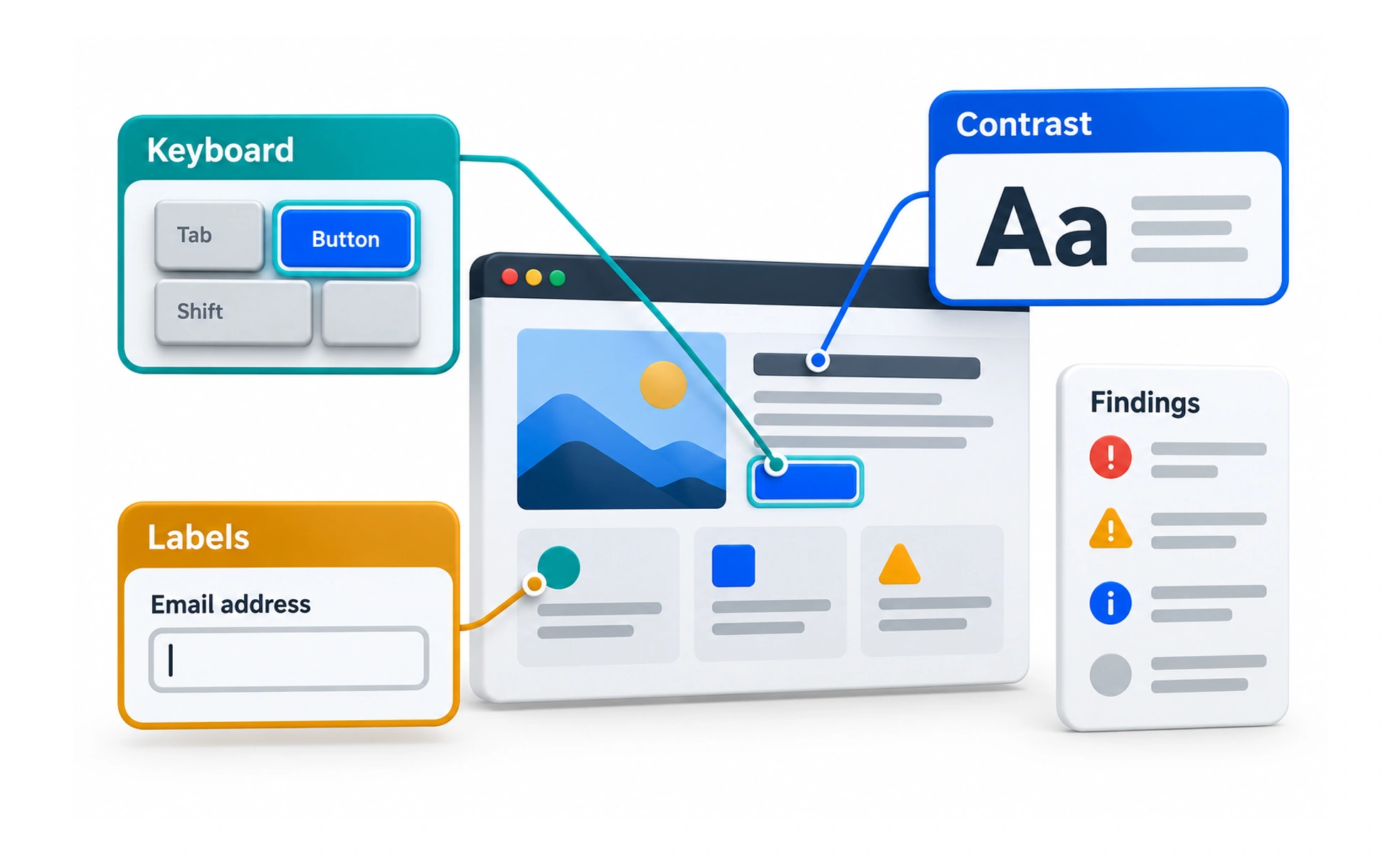
It combines automated code scanning, manual keyboard navigation audits and testing with real assistive technologies like screen readers. Thorough evaluation ensures software complies with accessibility standards.
Think of it as a vehicle safety inspection. Technicians test brakes, headlights and airbags to ensure the car protects passengers and meets legal road standards.
How it works
A comprehensive accessibility audit blends automated speed with human observational judgment.
- Automated scanning checks HTML source code for missing alt text, invalid ARIA attributes and low color contrast.
- Keyboard-only testing navigates the entire application without a mouse, verifying tab order and focus rings.
- Screen reader verification listens to synthesized voice announcements using VoiceOver, NVDA or JAWS to check semantics.
- Remediation backlog creation documents identified defects, assigns WCAG violation criteria and guides engineering fixes.
When to use it
Schedule accessibility audits at regular milestones throughout the development lifecycle.
- Pre-launch release gates prevents shipping critical accessibility regressions to public production systems.
- Design system component reviews verifies that reusable UI primitives are fully accessible before squad adoption.
- Legal compliance audits provides documentation verifying adherence to the Americans with Disabilities Act or European Accessibility Act.
- User testing with disabled participants uncovers real-world ergonomic barriers that technical audits easily overlook.
Common mistakes
Teams frequently misjudge accessibility health by relying entirely on automated compliance widgets.
- Installing third-party overlay widgets, which create privacy risks and frequently break screen reader navigation.
- Testing only on desktop keyboards, ignoring mobile screen reader gestures like VoiceOver swipes on iOS.
- Treating accessibility evaluation as a one-time project rather than integrating checks into automated CI pipelines.
Frequently asked questions
Key takeaways
- Accessibility evaluation identifies barriers preventing people with disabilities from using software.
- Combine automated linter scans with manual keyboard navigation and screen reader audits.
- Never rely on quick-fix accessibility overlay widgets that fail to solve underlying code defects.
- Include participants with real disabilities in user research to validate genuine inclusive usability.