

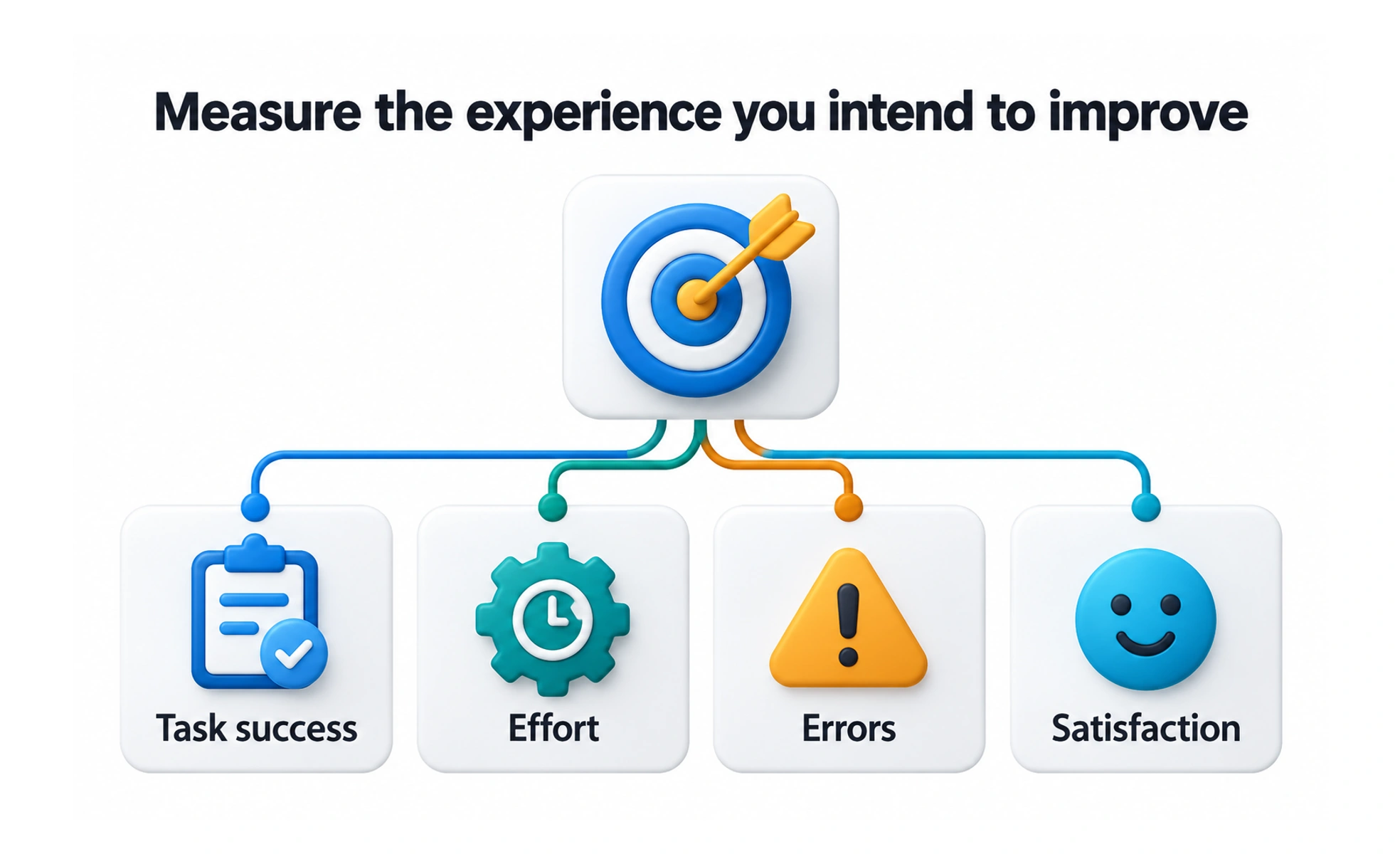
UX and design metrics measure aspects of people’s experience with a product, such as task success, effort, errors, and satisfaction. They help teams evaluate whether a design improves the intended experience.
A comfortable chair cannot be judged by its appearance alone. You also need to know whether people can use it comfortably for the task it was made for.
Translate the design goal into evidence
Describe what should become easier, clearer, or more useful for people. Then choose signals that could indicate that change. If the goal is to help learners find saved material, retrieval success and difficulty are more relevant than the number of decorative elements or screens delivered.
Combine behavior and reported experience
Task completion, errors, time, and abandonment can reveal behavior. Interviews and carefully designed questions can explain perceived difficulty or satisfaction. Each source has limits, so compare them rather than assuming a single score captures the complete experience.
Keep comparisons fair
Use similar tasks, populations, and conditions when comparing designs or tracking progress. Record the method and sample size. A faster result may come from easier test tasks or more experienced participants rather than an improved interface.
Example: editing a profile
A team can observe whether people change their details successfully, notice confirmation, and recover from an invalid entry. It may track completion and error rates alongside feedback about confidence. A higher save-button click rate alone would not show whether the update actually persisted or felt understandable.
Frequently asked questions
Key takeaways
- Choose metrics from the intended user outcome.
- Combine observed behavior and reported experience.
- Keep methods and populations comparable.
- Investigate why results change before claiming impact.