

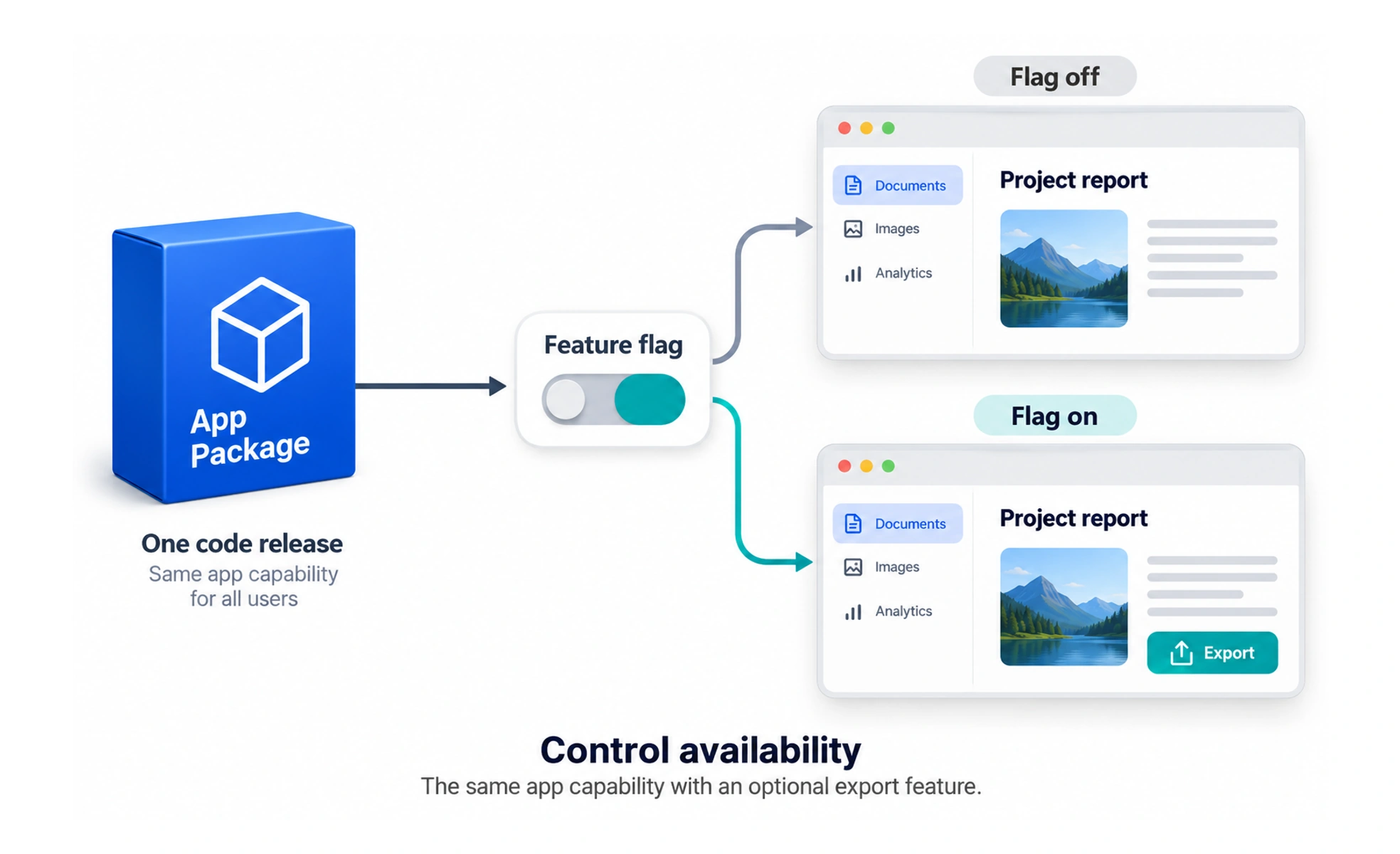
Feature flagging uses configuration to control whether a capability is available without requiring a separate code release for every change. It can support controlled rollout, experiments, and operational recovery.
A theater can prepare a stage before opening its curtain. A feature flag similarly lets a team control when prepared behavior becomes visible.
Define the flag’s purpose
A temporary rollout flag, experiment assignment, and long-lived operational setting have different needs. Record who owns the flag, its intended audience, safe default, and expected lifetime. Clear purpose prevents a growing collection of switches whose behavior nobody can confidently explain.
Test the relevant states
Check the behavior when a flag is on and off, including interactions with permissions and other important configuration. Decide how the product behaves if flag evaluation fails. A flag that hides a button does not provide authorization; protected actions still need server-side enforcement.
Roll out with observation and recovery
Expose a capability gradually when appropriate, watch meaningful error and usage signals, and prepare a way to disable it. Check data compatibility: turning off a feature may not reverse database writes or external effects that have already occurred.
Example: a new recommendation model
A learning product could enable a new recommendation model for a small eligible group while keeping a safe fallback. Compare outcomes and errors before expanding. Once the release is accepted, remove the temporary branch and obsolete flag so future changes have fewer configurations to maintain.
Frequently asked questions
Key takeaways
- Give flags owners, safe defaults, and lifetimes.
- Test meaningful enabled and disabled states.
- Keep authorization independent of visibility flags.
- Plan observation, recovery, and eventual cleanup.