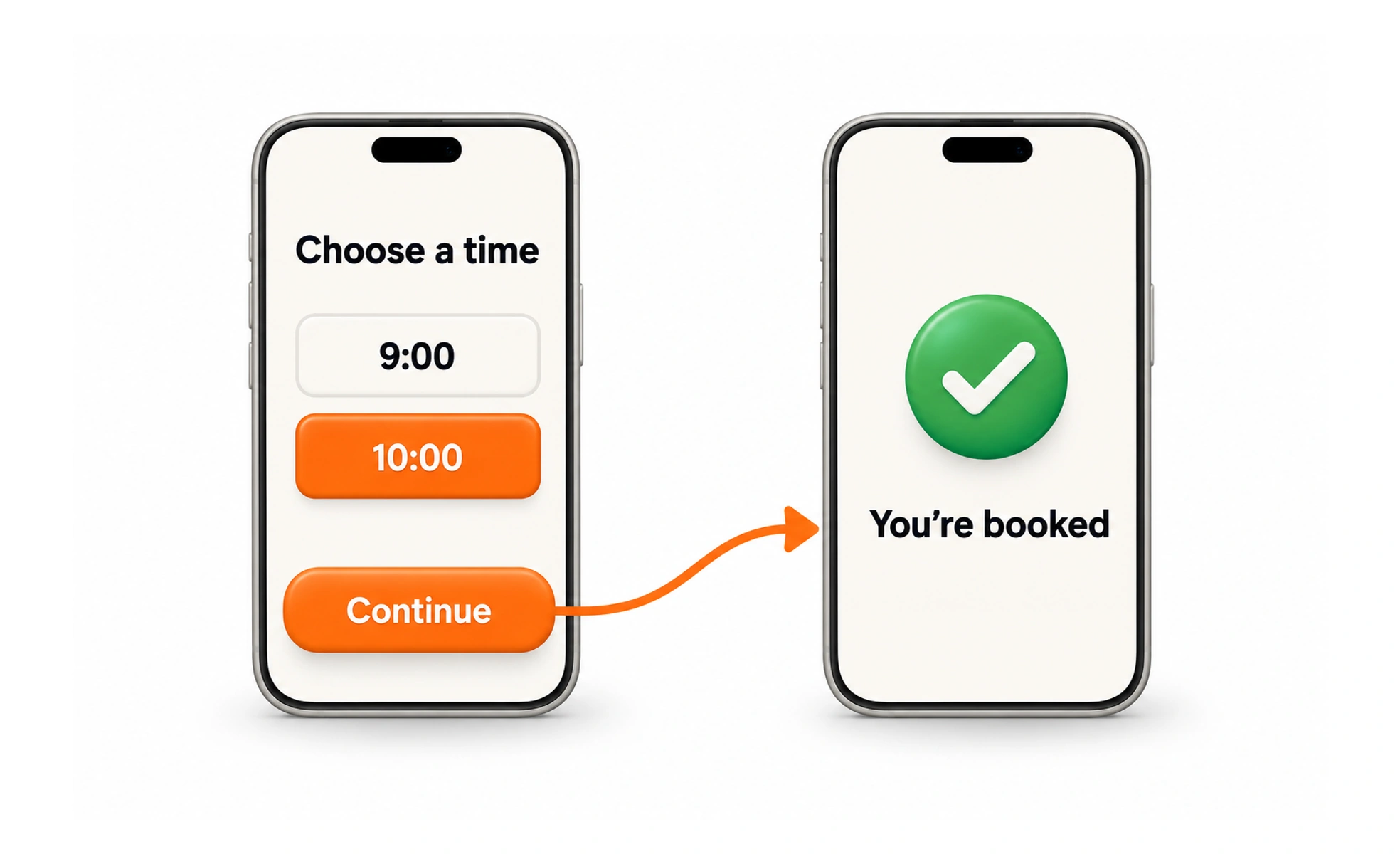
Ranging from paper sketches to fully clickable interactive models, prototypes test usability, workflows and feasibility. Prototyping allows teams to fail quickly and cheaply before writing code.
Think of it as an architect's foam scale model. It lets clients walk their eyes through room layouts and check lighting angles long before pouring concrete foundations.
Types
Prototypes vary along fidelity and interactivity scales depending on testing requirements.
- Low-fidelity paper prototypes use hand-drawn paper sketches to test early conceptual flows in minutes with zero software overhead.
- Mid-fidelity wireframe prototypes use grayscale UI blocks to evaluate navigation structure, button hierarchy and layouts.
- High-fidelity interactive prototypes use realistic typography, colors, animations and realistic data to simulate final software.
- Code-based prototypes build lightweight HTML, CSS and JavaScript sandbox environments to test complex interactions and latency.
When to use it
Build prototypes at every stage of the design process to validate assumptions and align stakeholders.
- Usability testing sessions observe participants interacting with realistic mockups to detect interface flaws early.
- Engineering handoff clarification shows frontend developers exact transition timings, hover states and gesture physics.
- Executive and investor pitches demonstrates tangible product vision far more convincingly than static slide presentations.
- A/B design exploration compares alternative navigation paradigms side-by-side with real prospective customers.
Common mistakes
Designers frequently waste valuable project time by building too much fidelity too early.
- Over-polishing visual details on unvalidated concepts before confirming whether users actually need the core workflow.
- Creating fragile prototypes where clicking outside a tiny hot-spot breaks the simulation and confuses test participants.
- Treating prototypes as finished software, forgetting that prototype code is disposable exploratory artifact, not production infrastructure.
Frequently asked questions
Key takeaways
- Prototypes simulate interface interactions to test usability and feasibility before coding.
- Match prototype fidelity to the specific question you need to answer at each stage.
- Low-fidelity sketches test structure and concept; high-fidelity mockups test visual clarity and ergonomics.
- Prototypes should be fast, cheap and disposable to encourage fearless creative iteration.