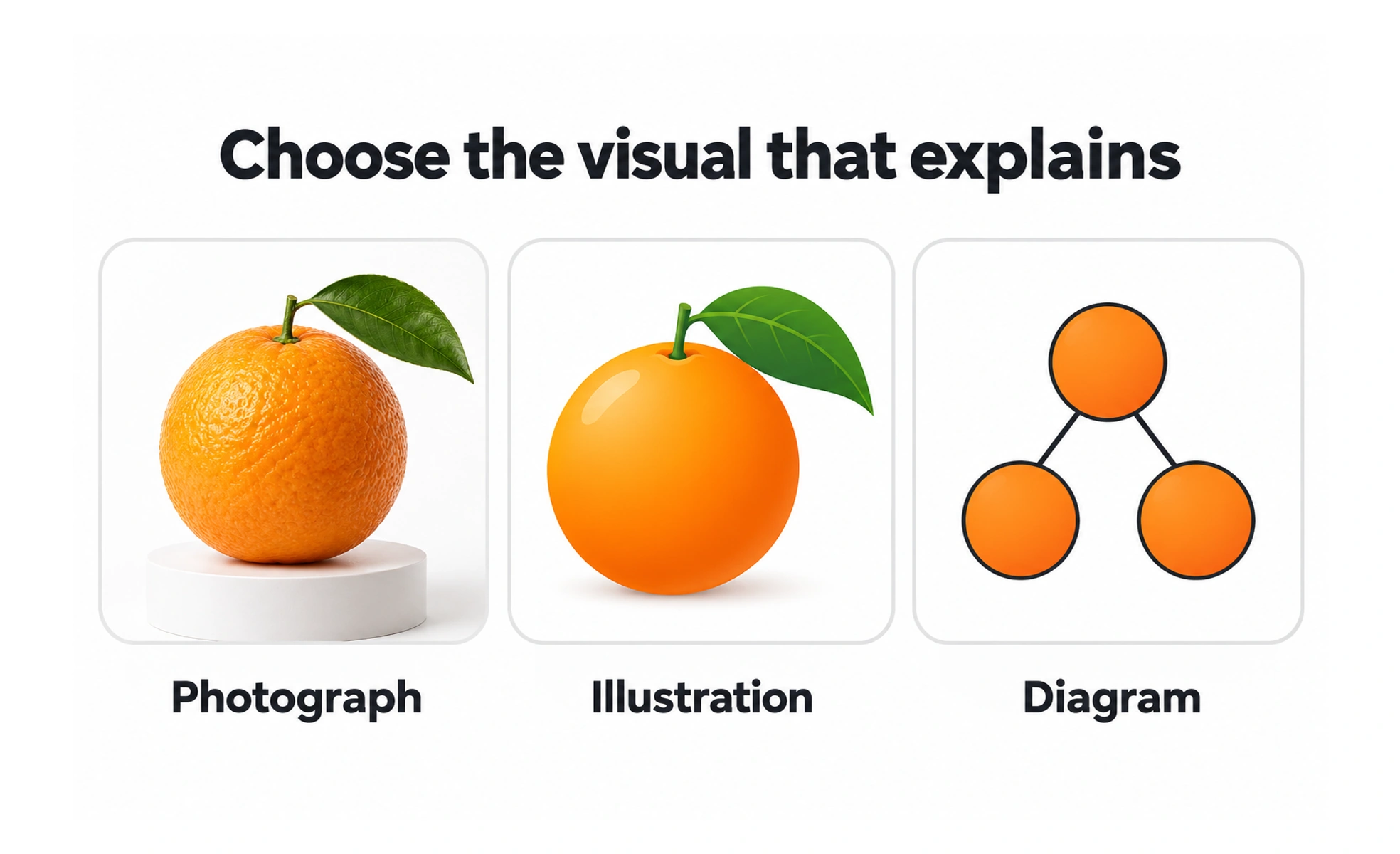
An image earns its place by helping someone understand or do something. A product photograph can show a detail that words struggle to describe. A decorative illustration can support a mood, but should not compete with the information people came to find.
Decide what the image is doing
An image can provide information, act as a control or simply decorate the page. Its purpose determines how it should be presented and described.
A diagram explaining a process needs its essential meaning available in text. An icon used as the only content of a button needs a name that explains the action. Decorative imagery should not add unnecessary noise for someone using a screen reader.
Make meaning accessible
Write alternatives for the context, rather than listing everything visible. A product image might need to describe the feature being compared. A chart can need a summary and access to the underlying values.
Avoid repeating nearby text without adding meaning. Also avoid putting essential instructions only inside an image: they may become unreadable when reduced, and text inside the file is harder to adapt or translate.
Example: showing an exercise answer
A lesson asks learners to compare two layouts. Each image needs to remain large enough for the relevant differences to be seen. Cropping away the navigation or compressing text until it blurs can make the question impossible.
The explanation should identify the principle behind the comparison. It should not rely on an inaccessible clue, such as the filename or a small color difference that is unrelated to the learning goal.
Plan delivery and failure
Choose a size and format appropriate to the display and image content. Keep dimensions predictable so the page does not jump when the file arrives. Review crops at narrow and wide sizes.
If an image is unavailable, the surrounding content should still explain the task where possible. Replacing every missing image with the same attractive illustration can hide a real content problem.
Frequently asked questions
Key takeaways
- Choose images for a clear purpose.
- Describe essential meaning or function in an accessible way.
- Review size, crops and legibility in the actual layout.
- Plan for missing files and stable loading behavior.